
Integration Suite | Action Queues | Settings | General settings
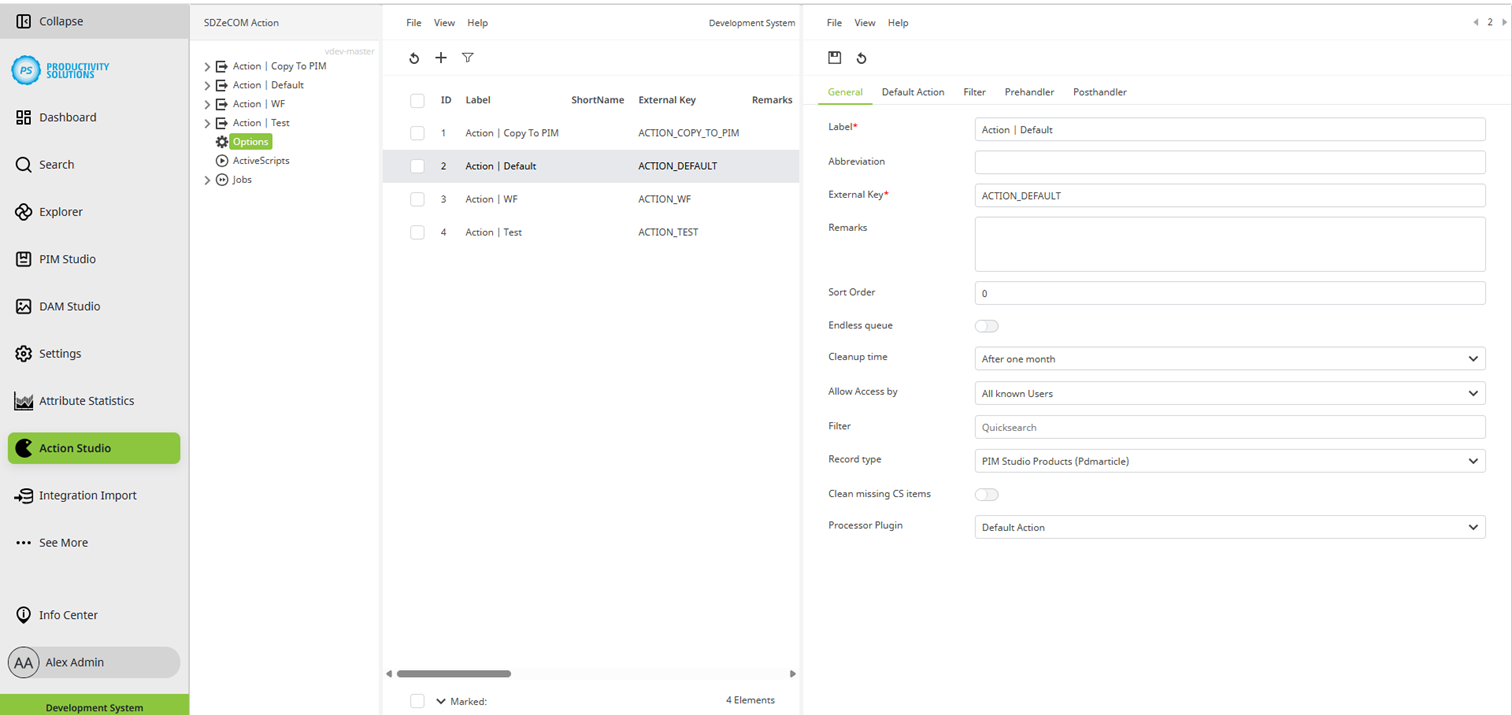
Field | Description |
Designation | Name of the context You can structure your contexts in folders by naming them as follows: |
Short name | If necessary, enter a shortened name of the context to be used for processing from the tree or list. This is particularly useful for long context designations as they are then not displayed in full but truncated and with ... |
External key | External key of the context |
Sort order | Define a sort position for your context if required. |
Endless queue | Decide whether you want to overwrite entries or generate an entry for each export or import. If there are multiple modifications to the same object, use this option to define whether they are all to be added one after the other or whether each object is to receive only one entry and this is to be overwritten again and again. |
Cleanup time | This option determines when data that has already been processed is cleaned up, i.e. deleted. A cleanup time of one week has proven to be beneficial for medium to large data volumes. |
Allow access by | Restrict the permissions for the context if required. |
Filter | The list of object types will be filtered based on your search term. |
Object type | Select what you want to import, e. g. products. |
Clean missing CS items | Activate this option if missing CS objects, such as deleted articles, are to be cleaned up - i. e. if the corresponding records are to be removed from the queue. |