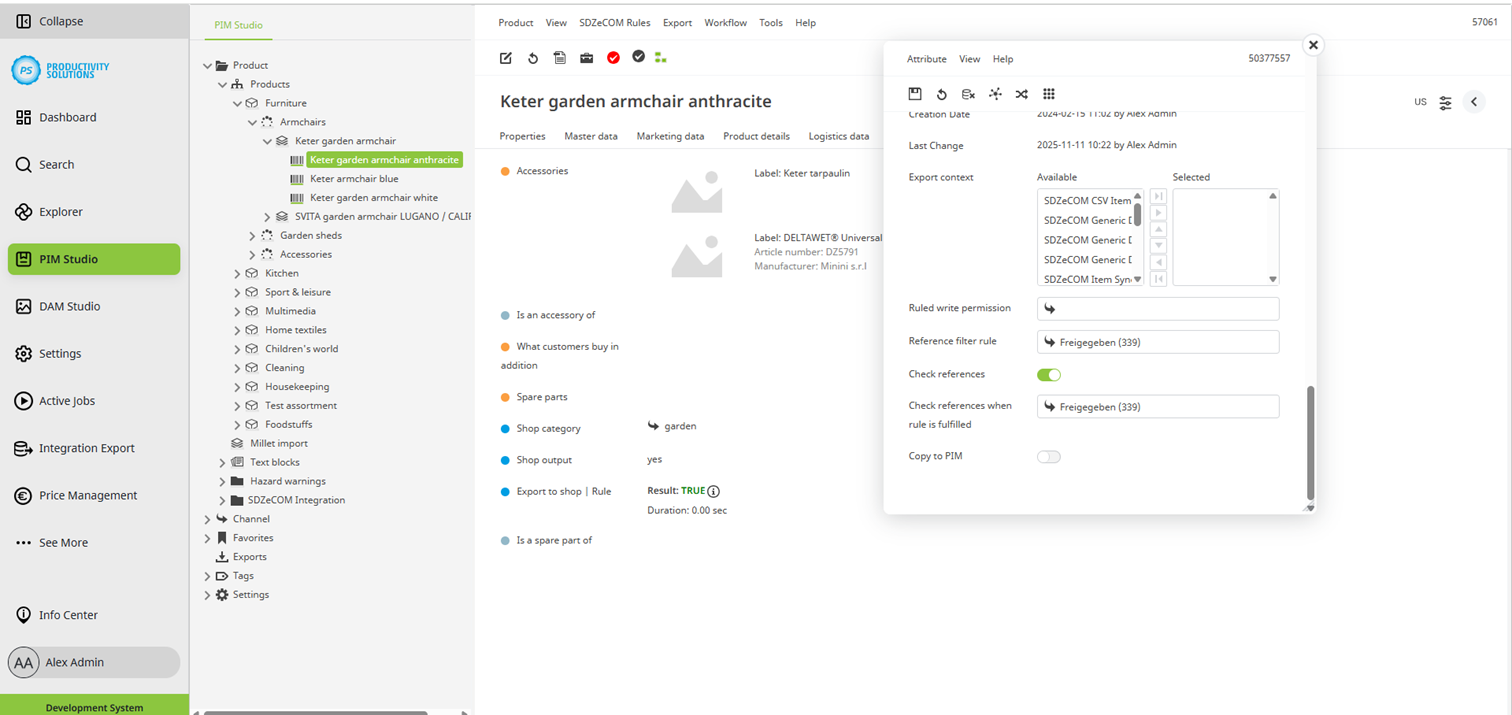
The Rules+ module includes the option for each reference attribute to prevent objects or assets that do not fulfill a rule from being or remaining referenced.
The most common use case is when objects or assets are no longer in a specific workflow status (e.g., approved) and therefore may no longer be used as references.
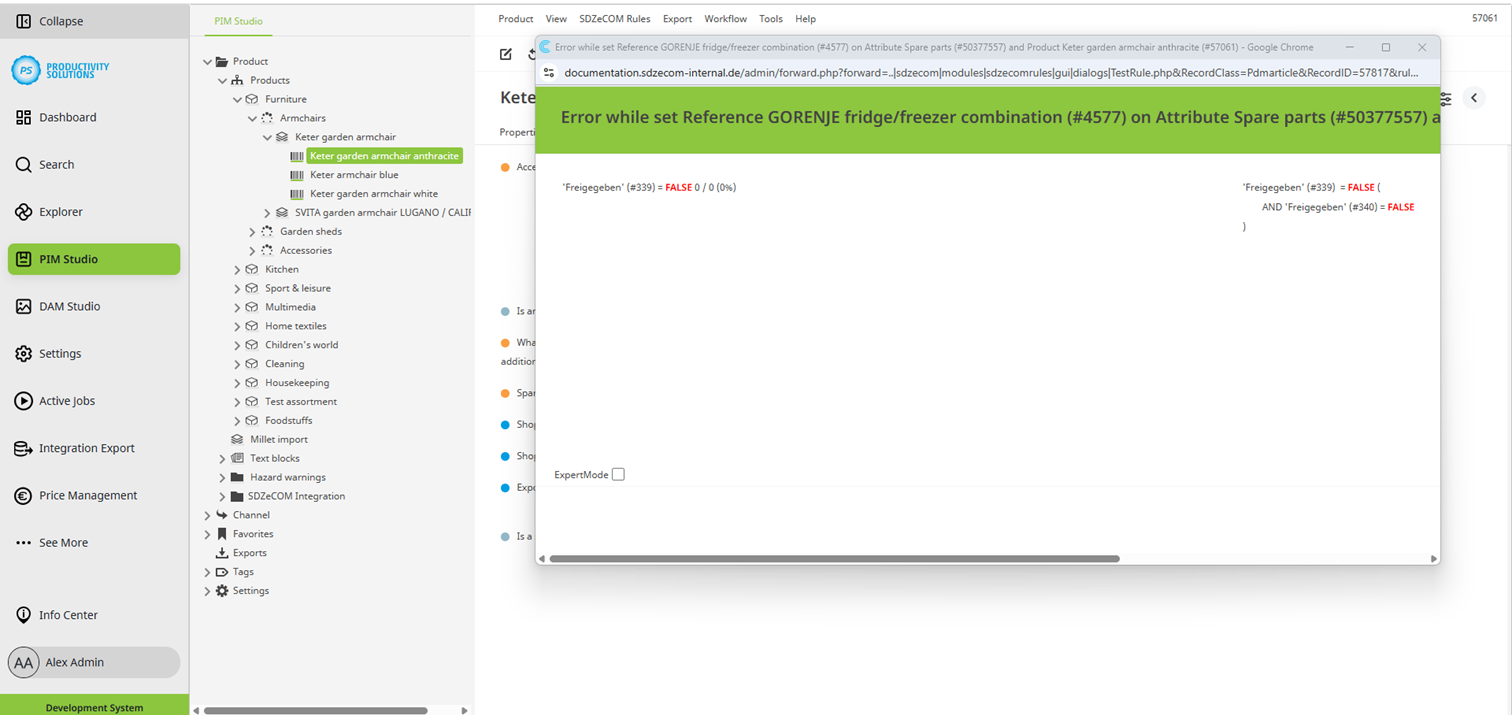
As soon as the reference filter rule or the rule for reference checking is no longer fulfilled by one or more references, a window with an error message opens upon the next check-in and the reference that does not fulfill the rule is removed.
Reference filters and reference checking can be configured and used independently of each other.
Setting options:
Field
|
Description
|
|---|---|
|
Reference filter rule |
Select the rule that a reference object must fulfill in order to be referenced at all. |
|
Check references |
Enable this option to recheck existing references against the selected rule upon each check-in. |
|
Check references when rule is fulfilled |
Select the rule that a reference object must fulfill in order to remain referenced. |