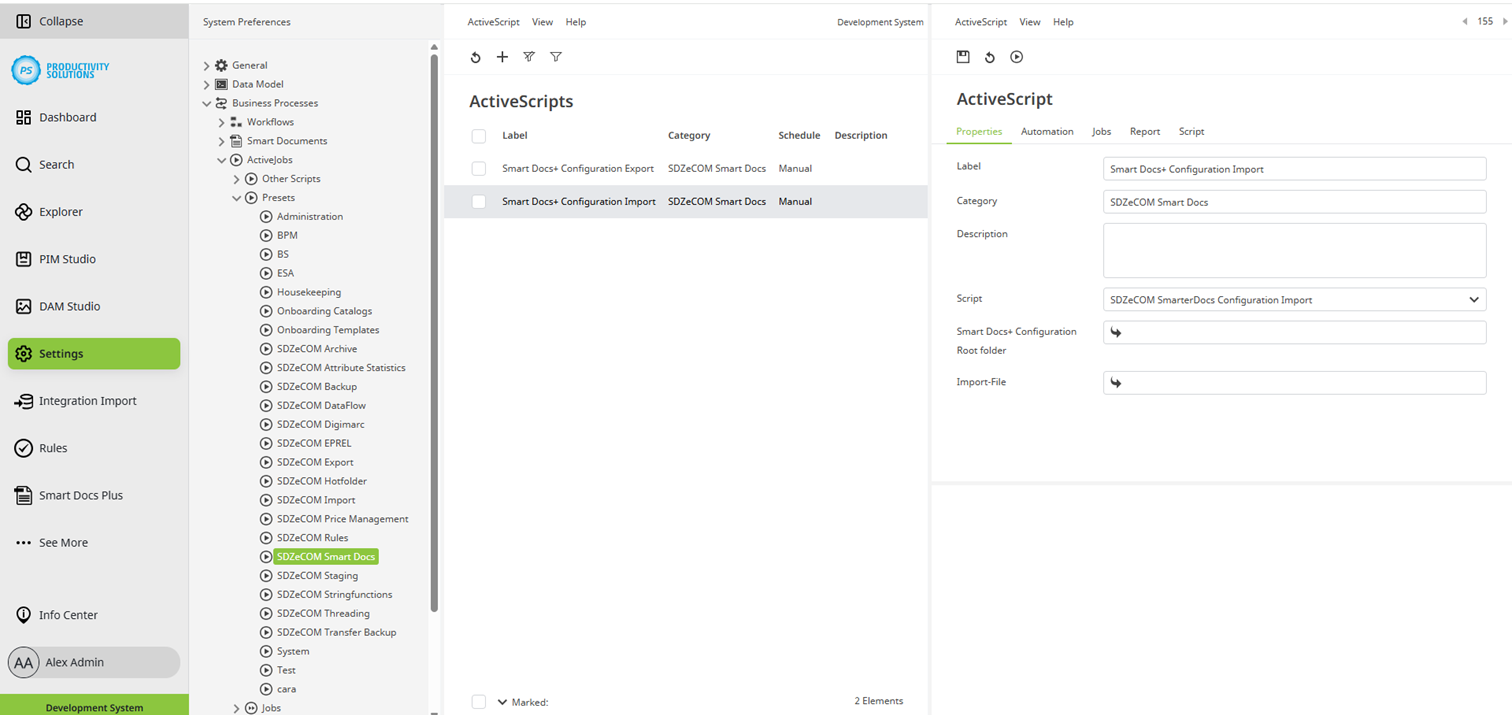
Smart Docs+ | Active Scripts | Types | Smart Docs+ Configuration Import
This script can be used for importing configurations.
Select the Smart Docs+ configuration base directory into which you want to import your configuration.
Save the file you want to import (JSON) in the DAM and select it as the import file.