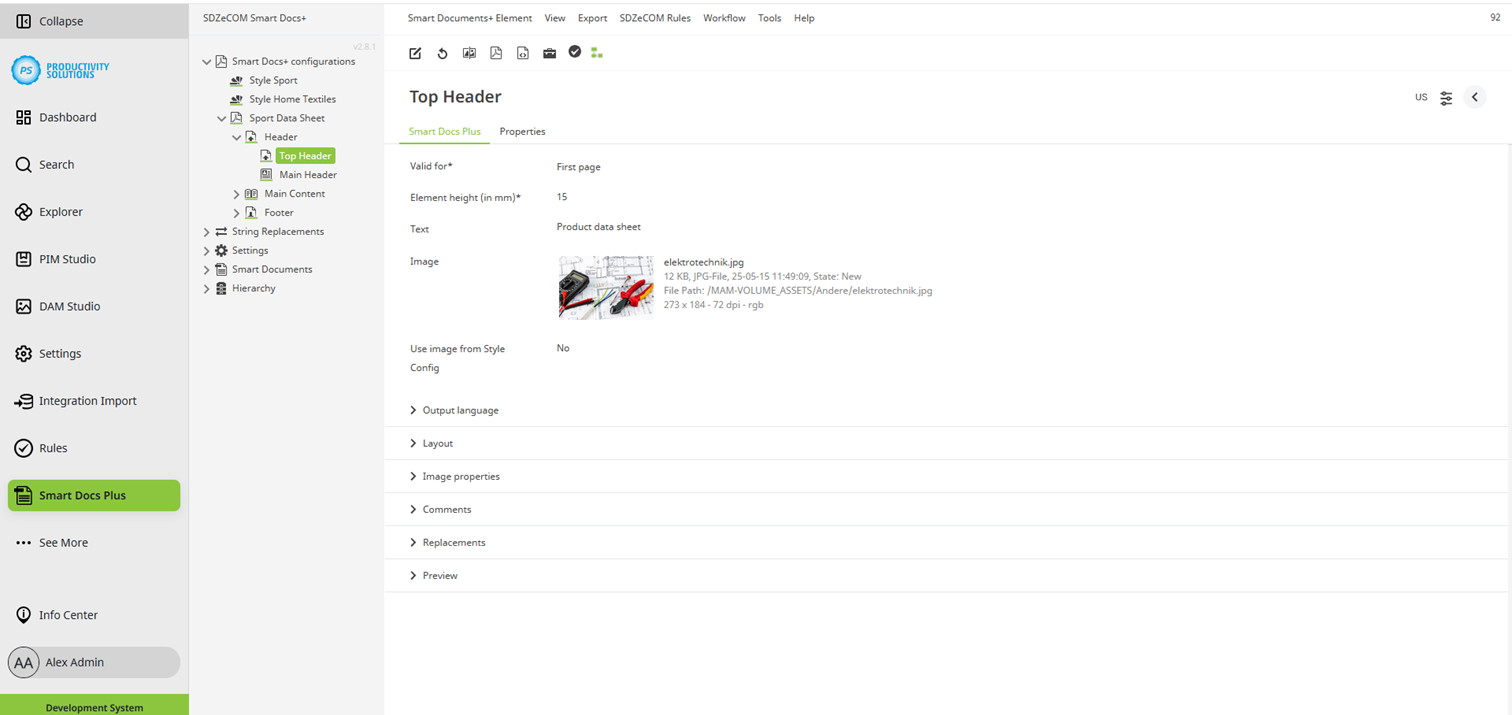
Smart Docs+ | Configuration options | Headers / footers
Configurable for the following object types:
Field | Description |
|---|---|
Valid for | Decide whether the element is to appear on all pages (no selection) or only on certain pages (first, all left and/or all right). |
Element height (in mm) | Define the height of the element in mm. |
Header layout | Select one of the following combinations and configure the fields below them accordingly:
|
Text (2) | Enter any text. Formatting is possible. Formulas / stringfunctions can be interpreted. Only available for: Top header |
Image | If desired, select an image to be displayed. |
Image caption | If necessary, select the attribute that contains the image caption as a value. Only available for: Top header |
Use image from style config | Decide whether the image from the style (yes) or the image selected above (no) is to be used. Only available for: Top header |