The string replacements are used for replacing values only when the data sheet is rendered.
A common example from practical experience: The brand names in the PIM do not contain a trademark symbol. In the data sheet, however, one should be added to certain trademarks.
Replacement rules
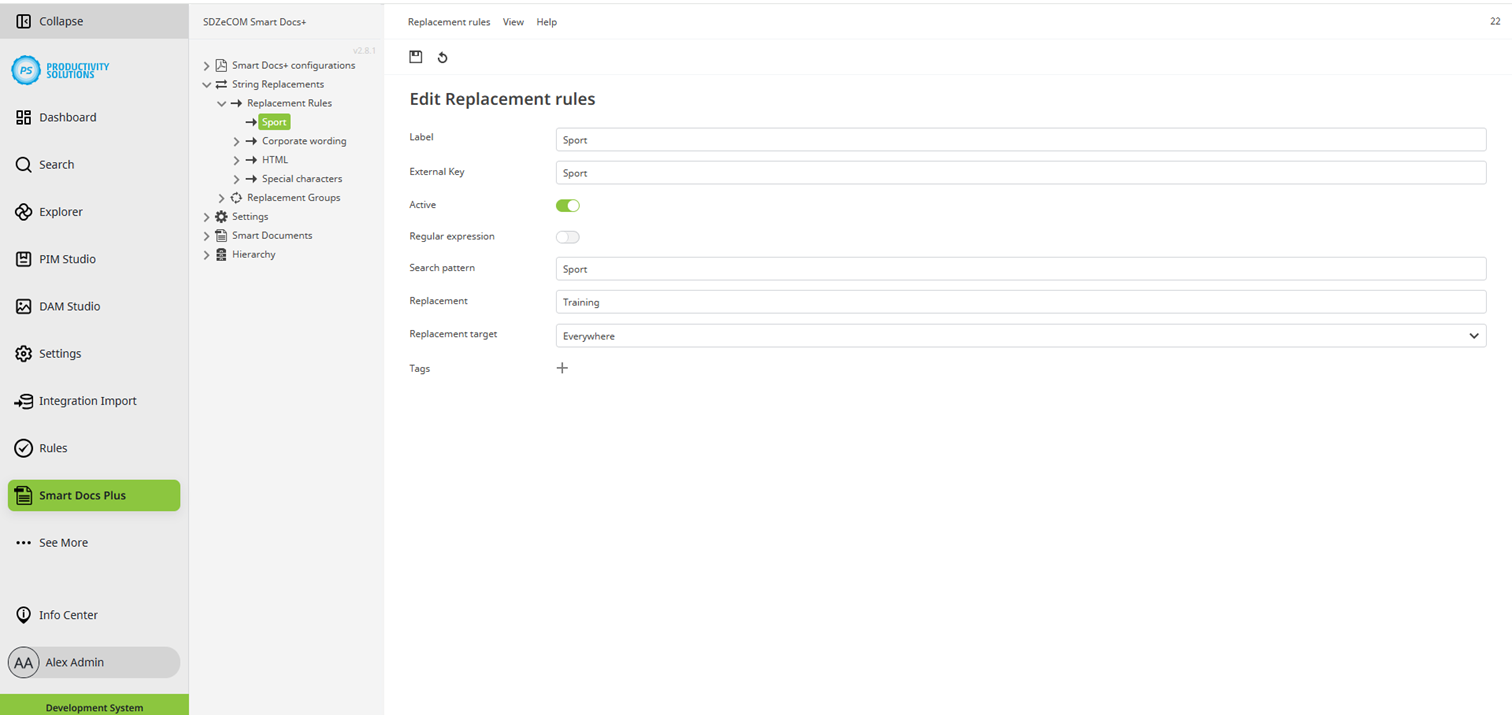
First, create a replacement rule for each desired replacement:
Field
|
Description
|
|---|---|
|
Designation |
Name of the replacement |
|
External key |
External key of the replacement |
|
Active |
Activate the rule to use it. |
|
Regular expression |
Activate this option to use a RegEx in the search pattern. |
|
Search pattern |
Enter the search pattern to be replaced. |
|
Replacement |
Enter the text with which the text found using the search pattern is to be replaced. |
|
Replacement target |
Define where the replacement is to take effect:
|
|
Tags |
|
Replacement groups
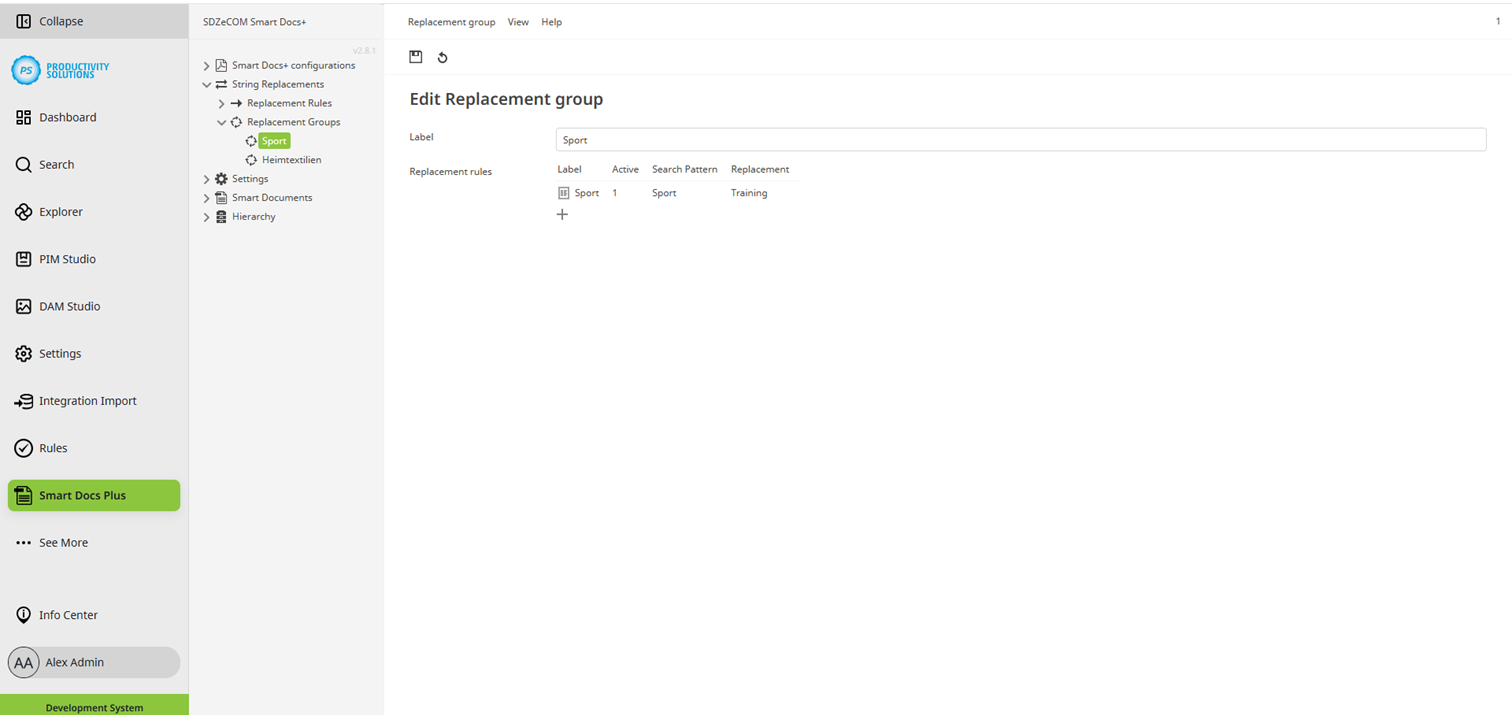
Combine your replacement rules into groups to use them on the desired objects.
The replacement rules themselves cannot be selected on the objects.