Generic Docs Configurator | Export using the Integration Suite
In order to export Generic Docs, the Integration Suite can be used. Please refer to the documentation pages for all details.
General procedure in a nutshell
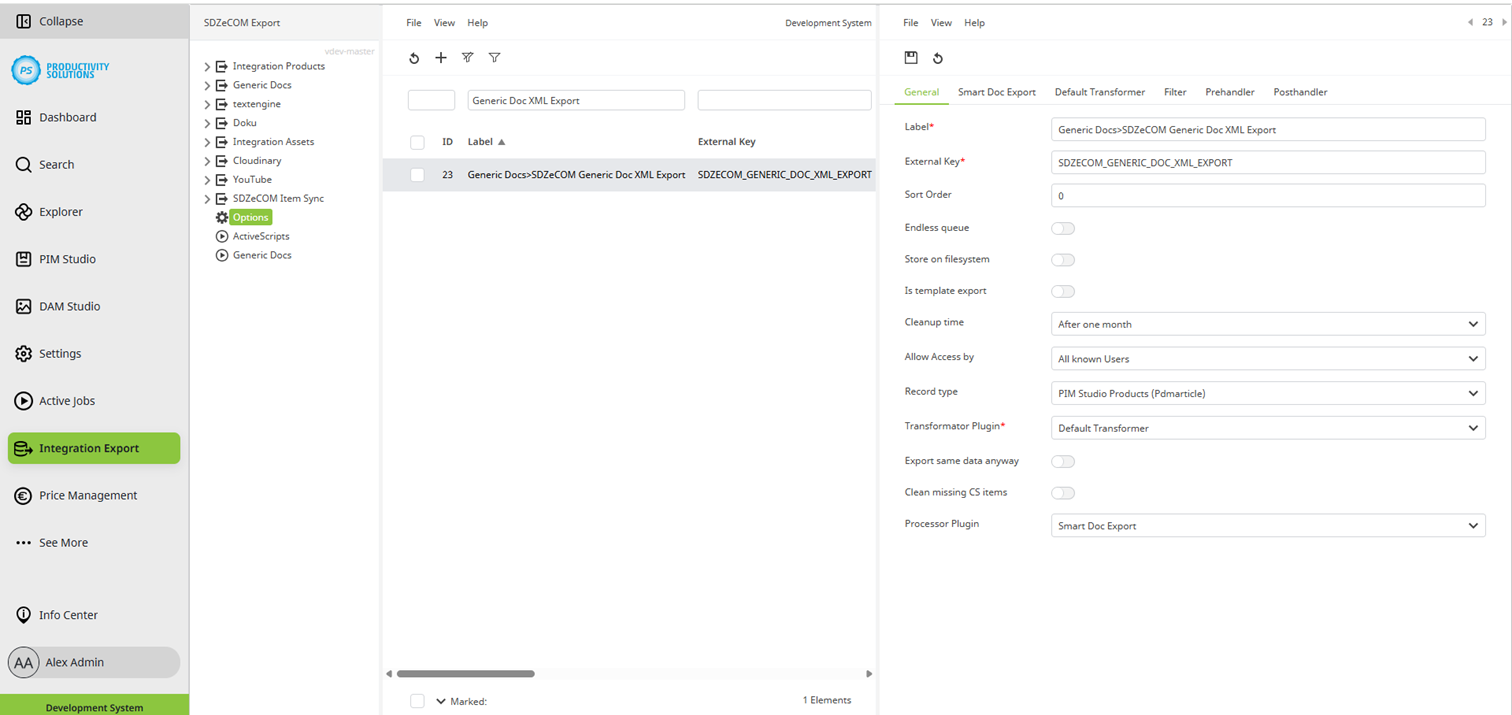
Select the “Product” object type in the general settings.
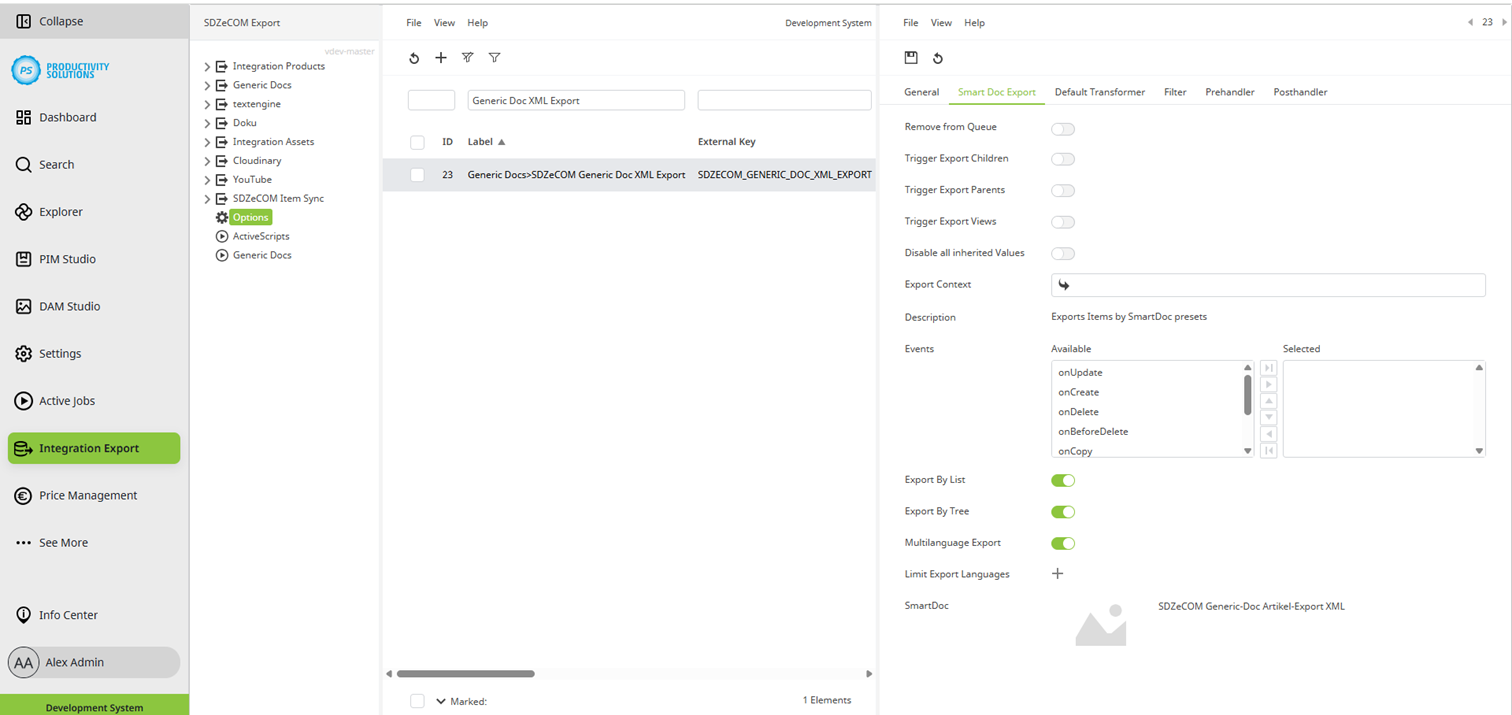
Select the “Smart Doc Export” as processor plug-in.
Leave the Default Transformer as the transformation plug-in.
Create one starter and one worker each in the active scripts.