In order to export Generic Docs, the Integration Suite must be licensed in an expansion stage with at least one export target.
Please refer to the documentation pages for all details.
General procedure in a nutshell
-
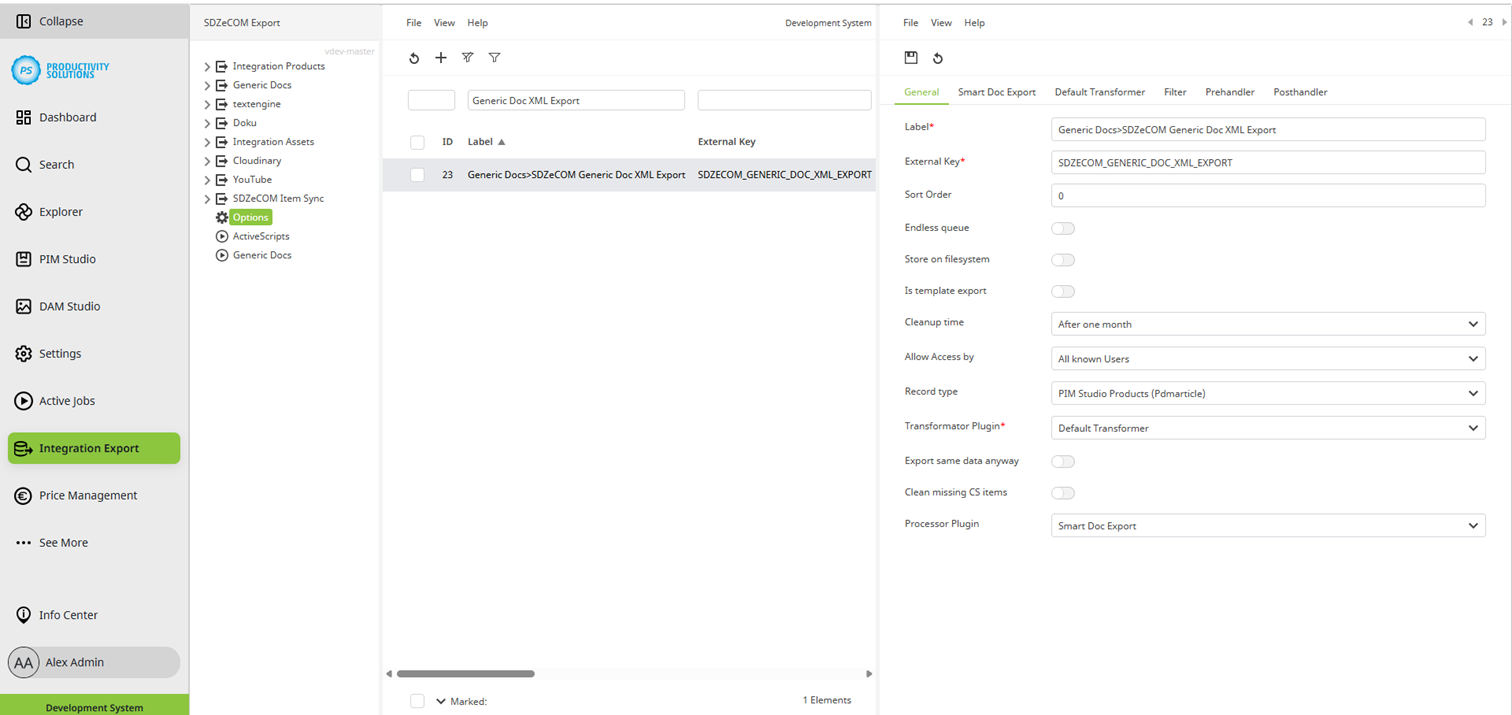
Select the “Product” object type in the general settings.
-
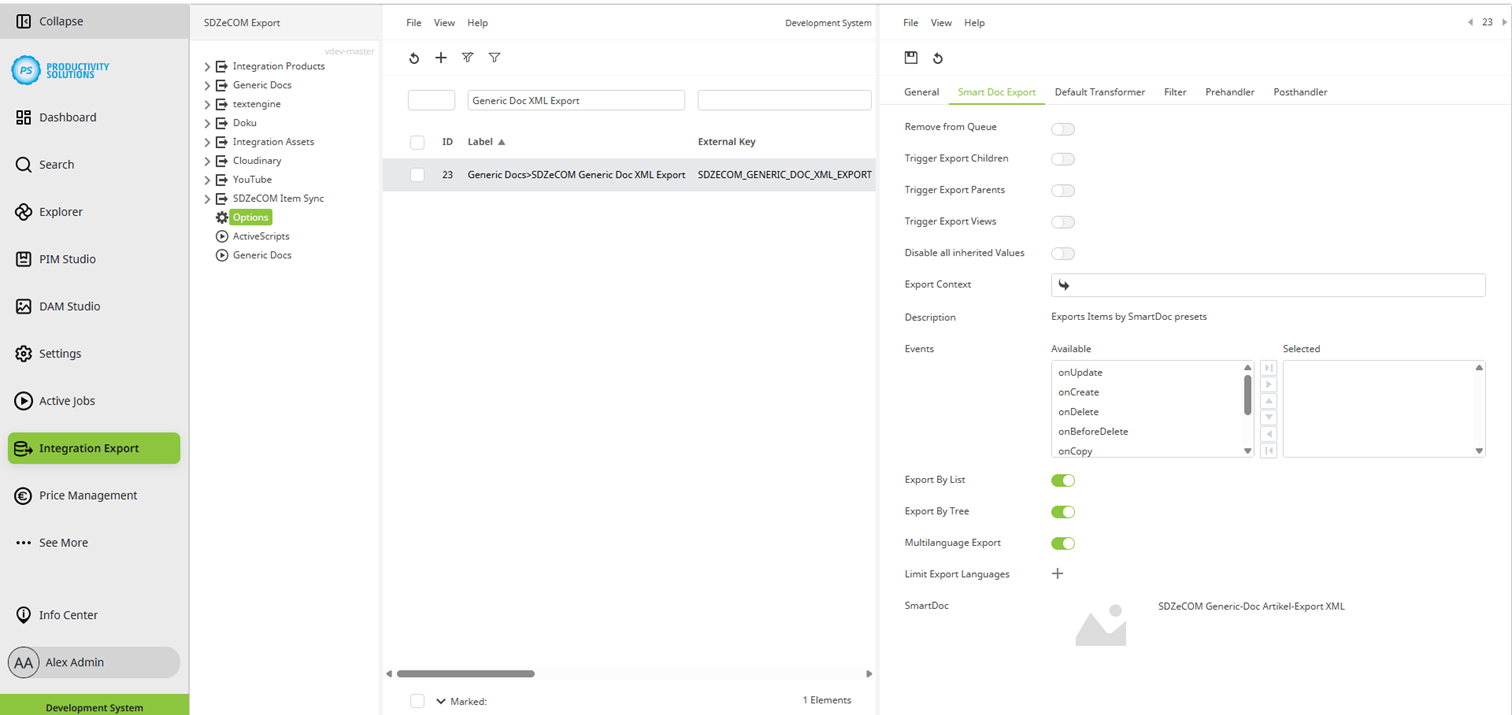
Select the “Smart Doc Export” as processor plug-in.
-
Leave the Default Transformer as the transformation plug-in.
-
Create one starter and one worker each in the active scripts.