When importing or exporting via Integration or when transferring from SDZeCOM Staging, posthandlers are often already executed during the process.
In some cases, this is not desired. Example: The workflow status of an imported object is only to change once the import process has been completed.
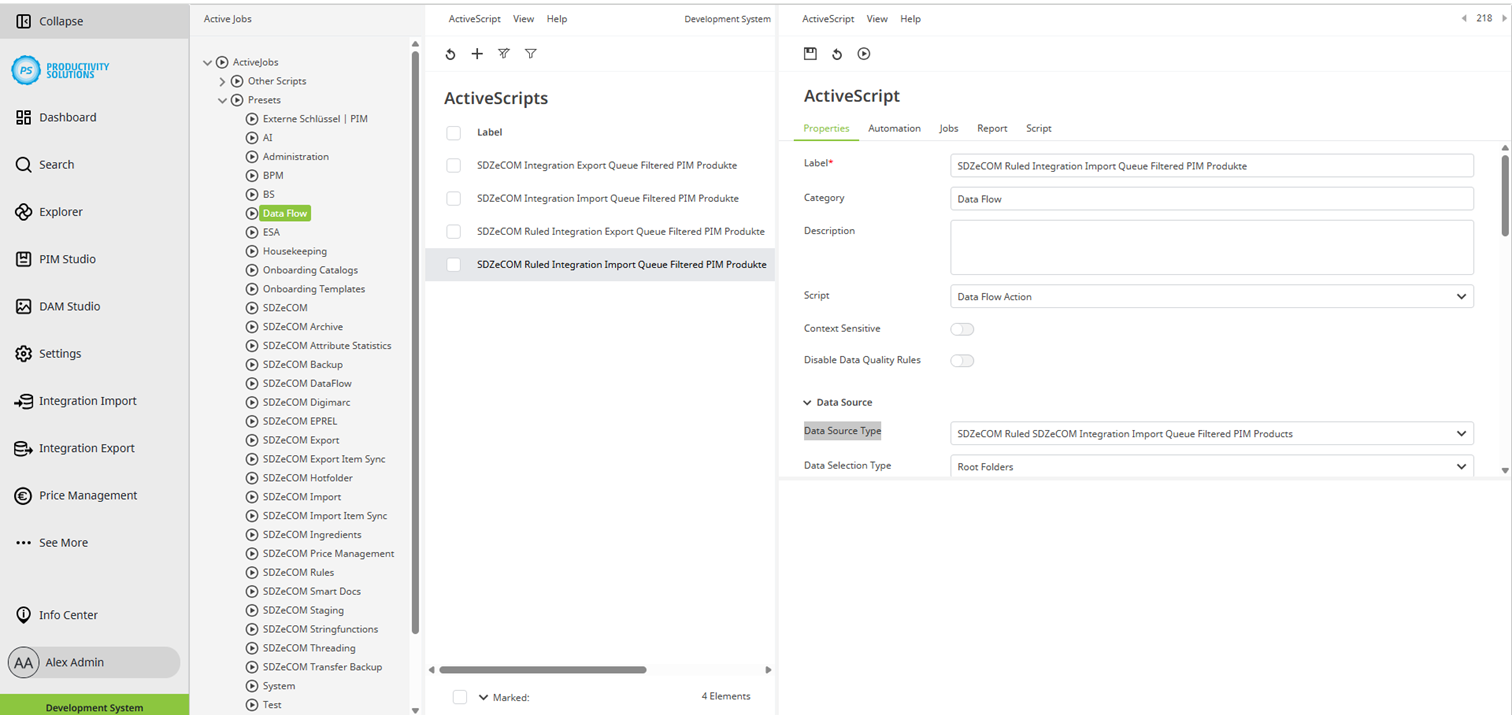
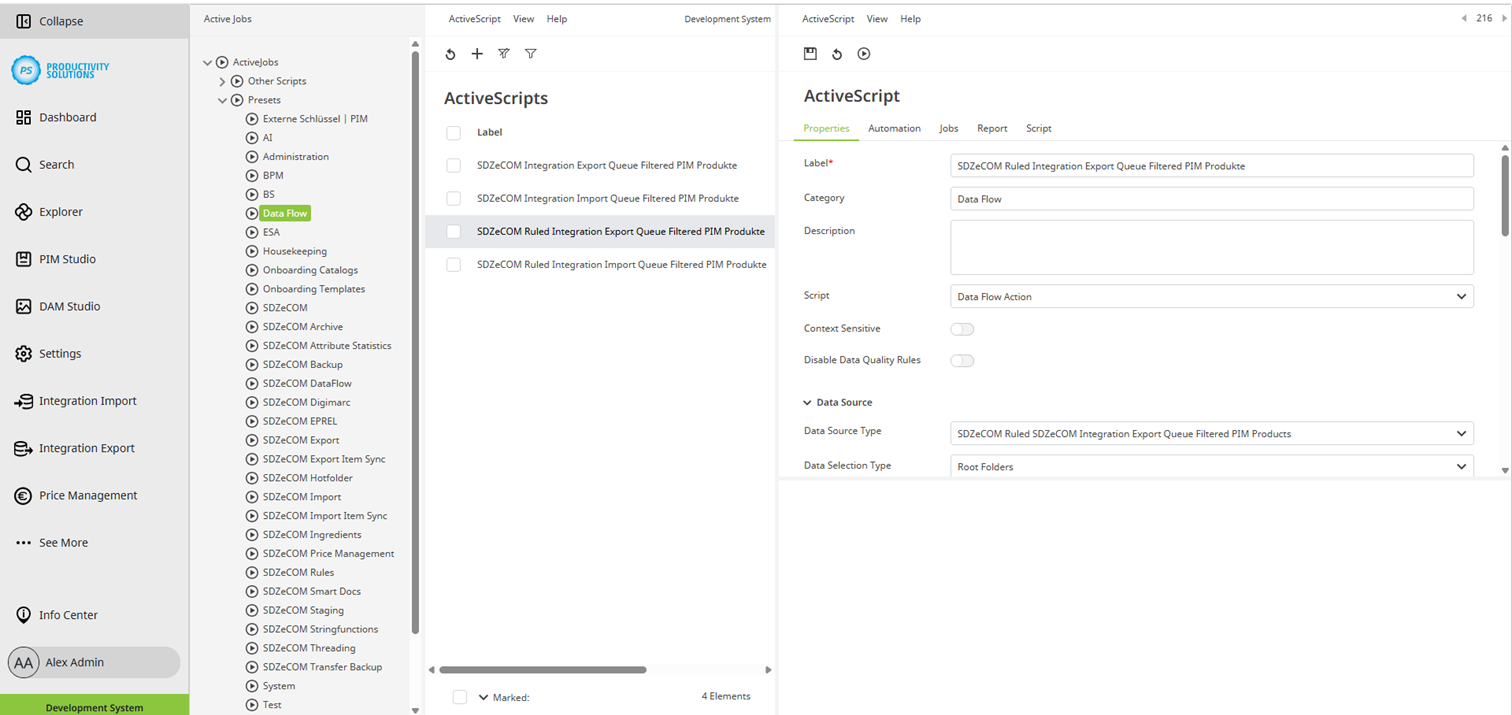
For this case, two data source types have been developed for the data flow action, which provide further setting options for this script:
Field
|
Description
|
|
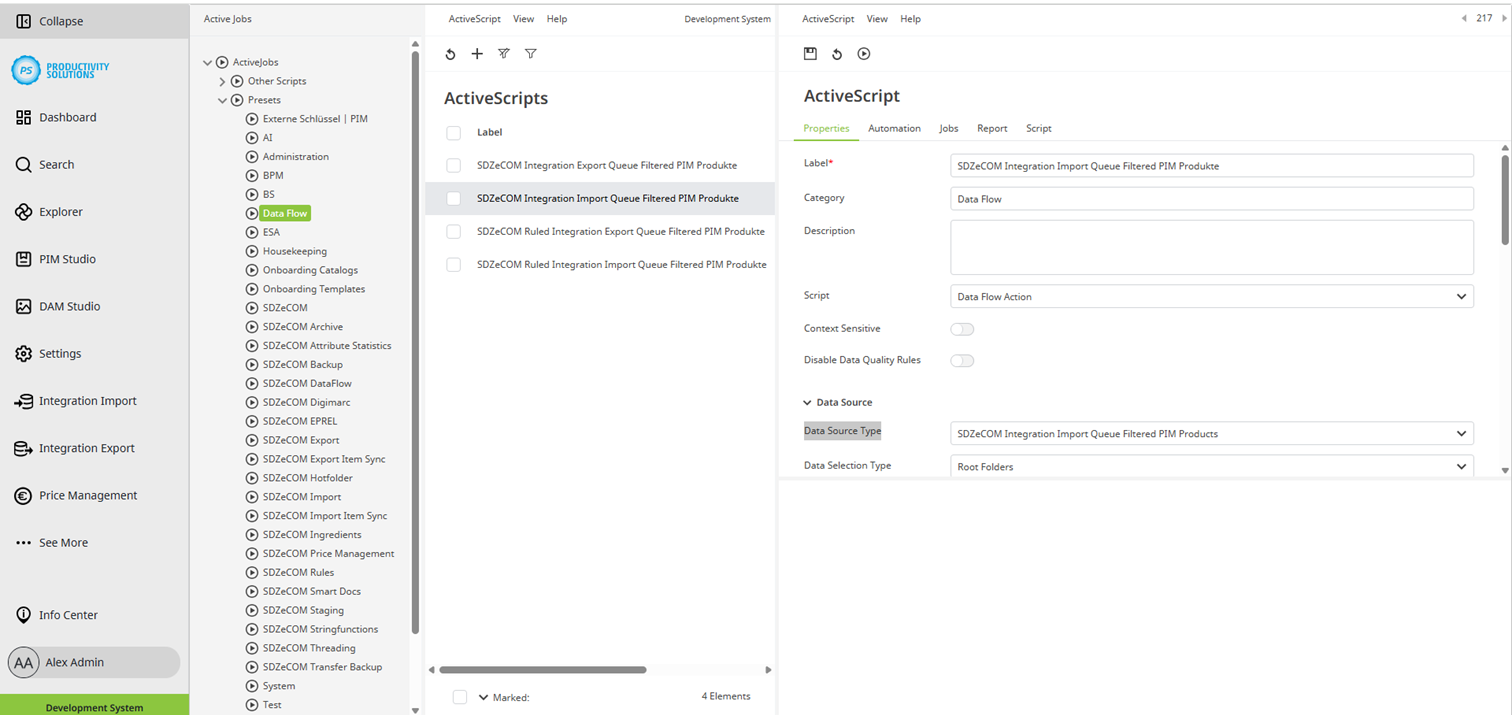
Data source type |
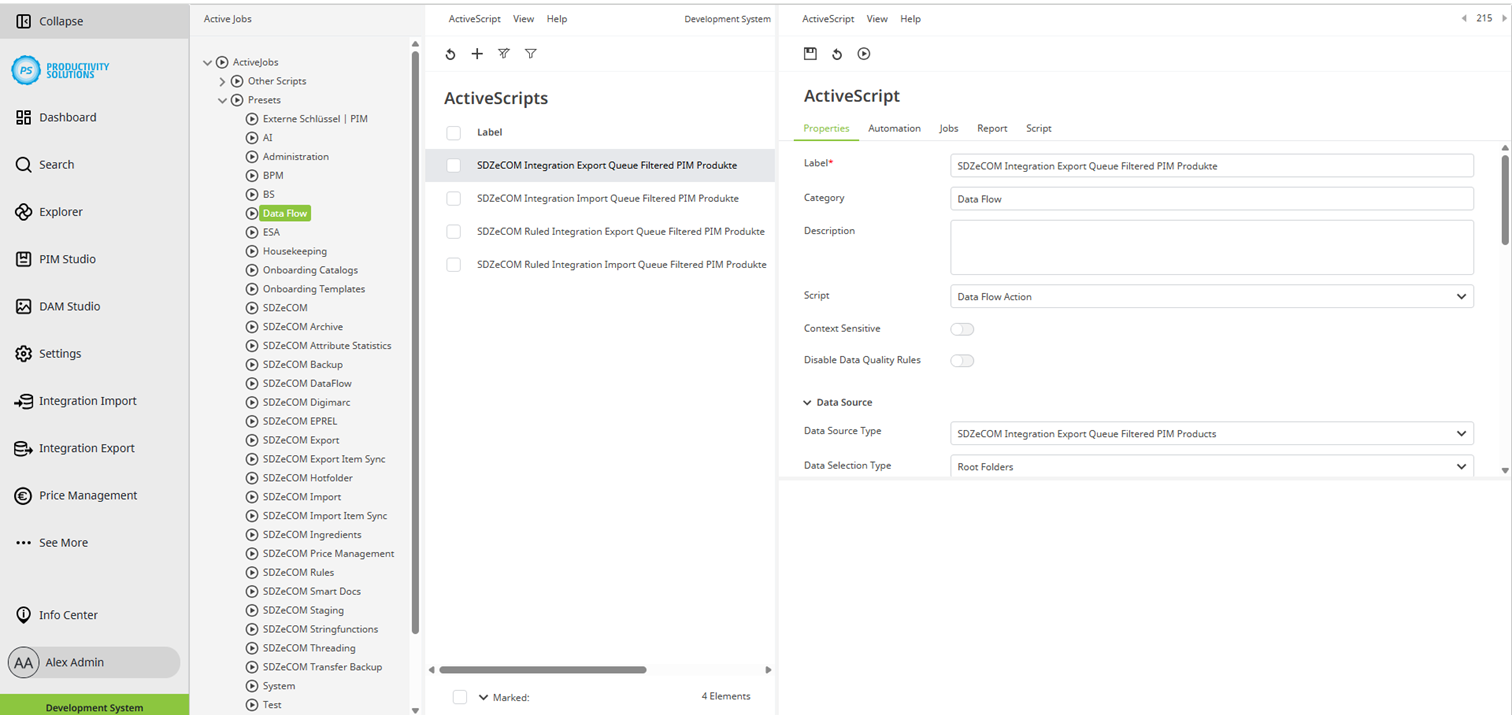
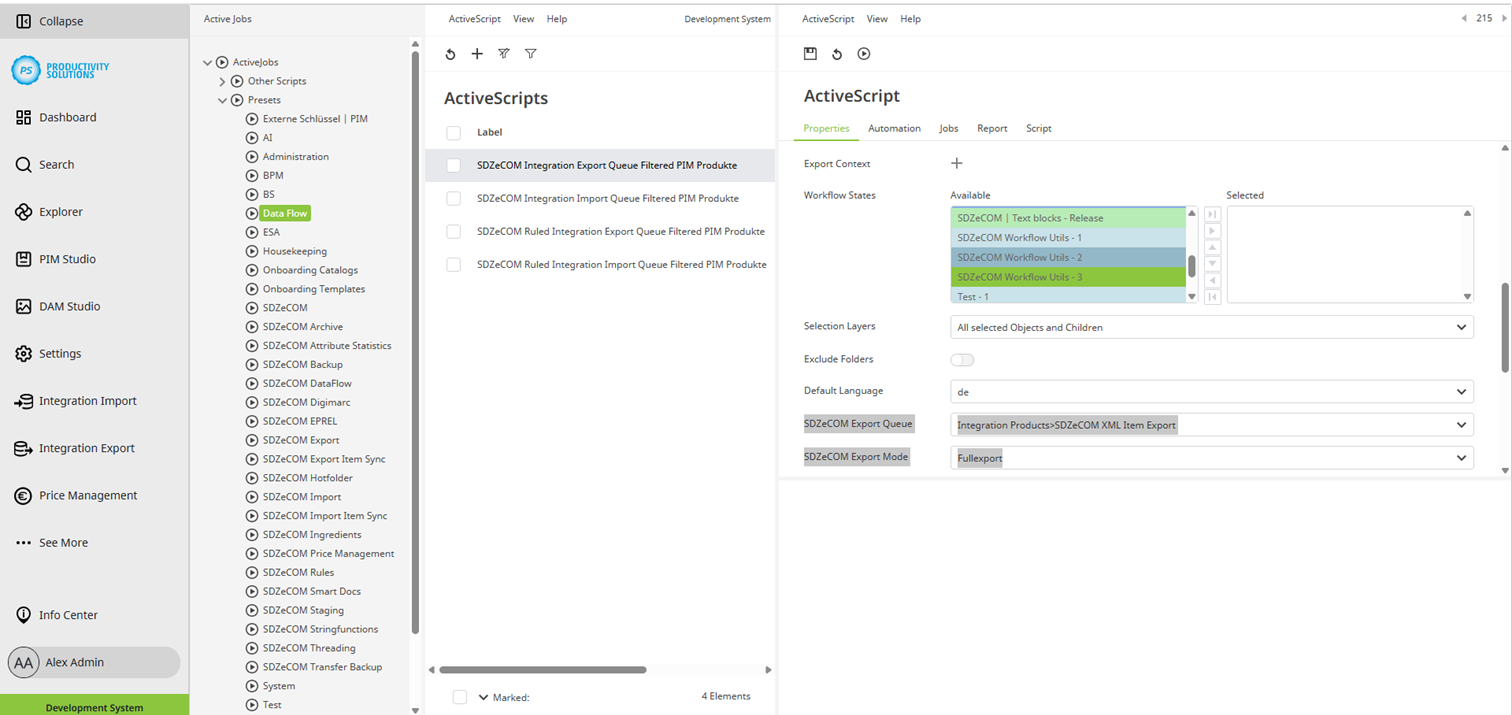
At this point, select the type “SDZeCOM Integration Import Queue Filtered PIM Products” for imports or “SDZeCOM Integration Exports Queue Filtered PIM Products” for exports. If you have licensed the SDZeCOM Rules+, the additional types “SDZeCOM Ruled SDZeCOM Integration Import Queue Filtered PIM Products” and “SDZeCOM Ruled SDZeCOM Integration Export Queue Filtered PIM Products” are available. The follow-up action is only executed if a rule is fulfilled. As soon as you select a type, further fields are available for the setting. |
|
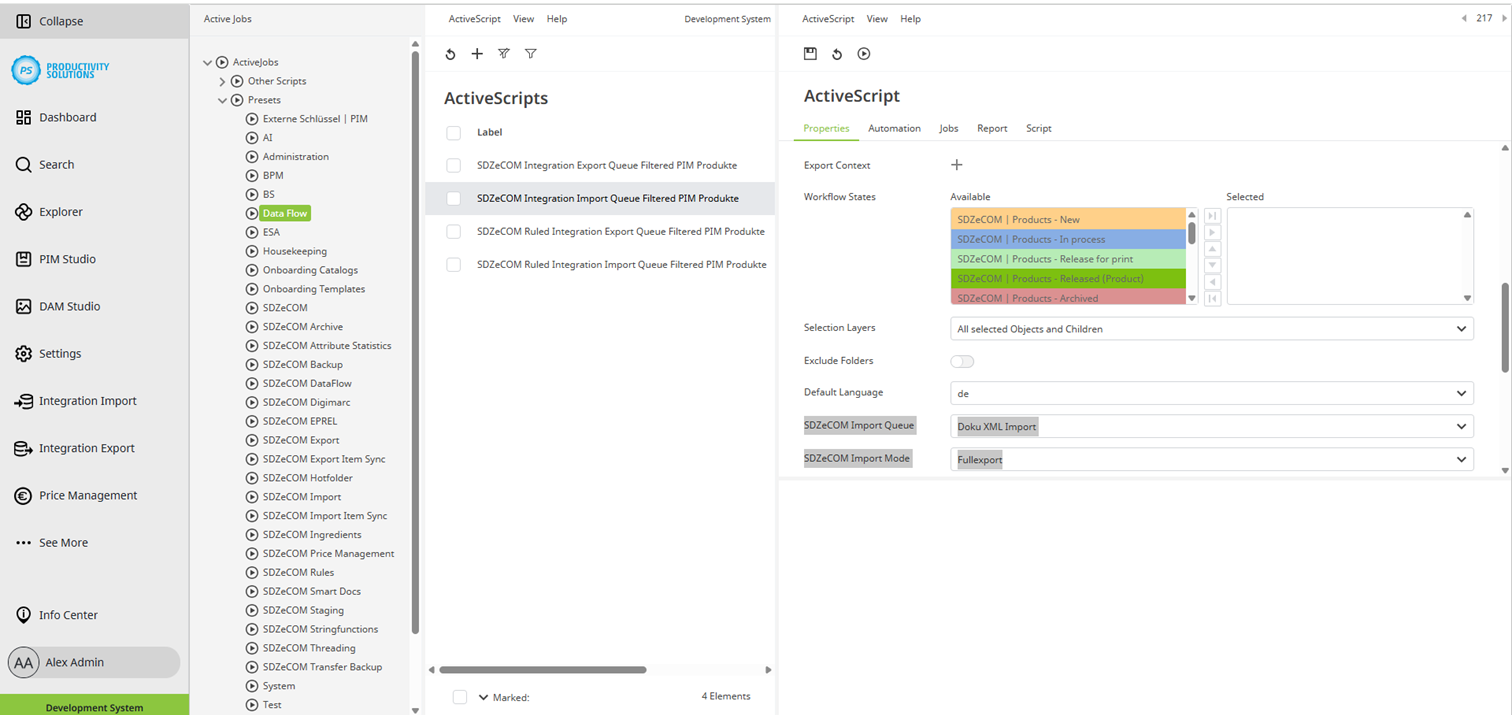
Queue |
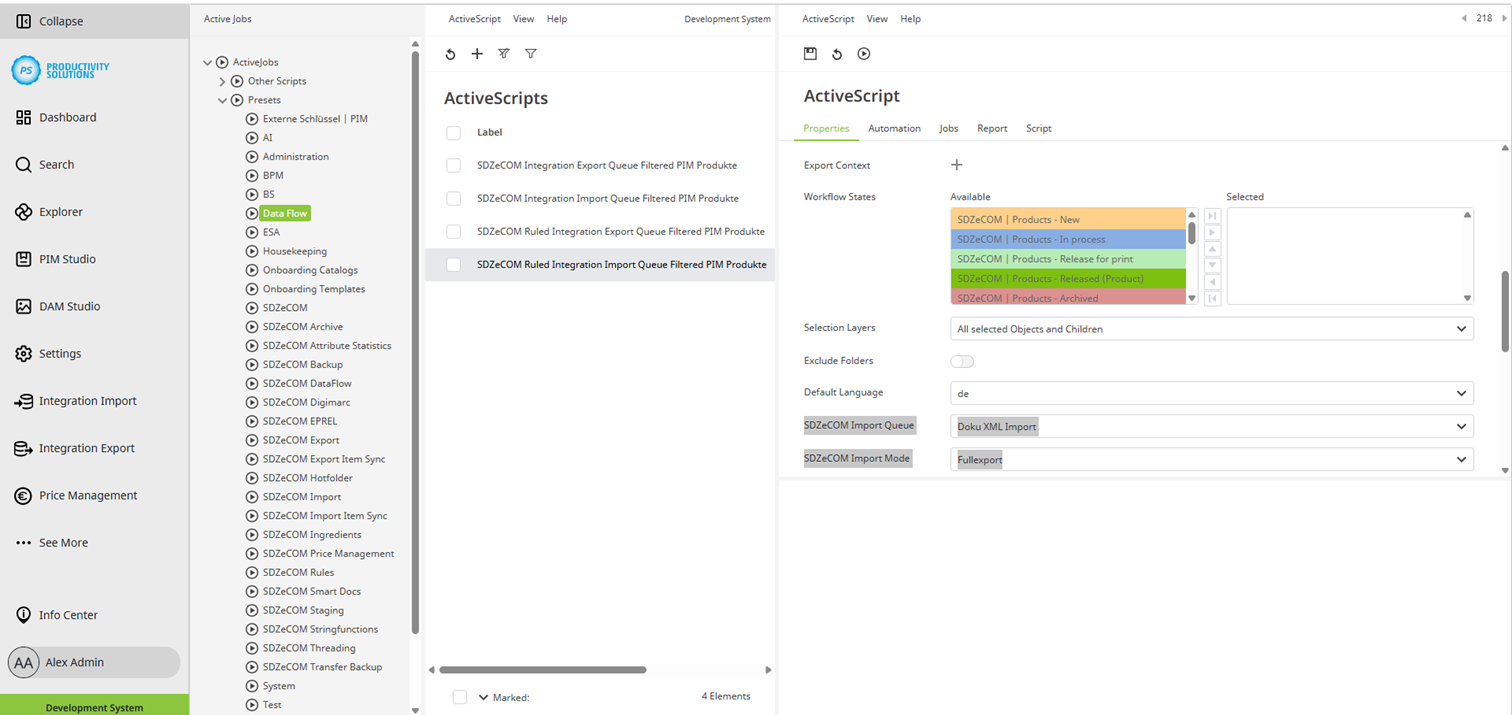
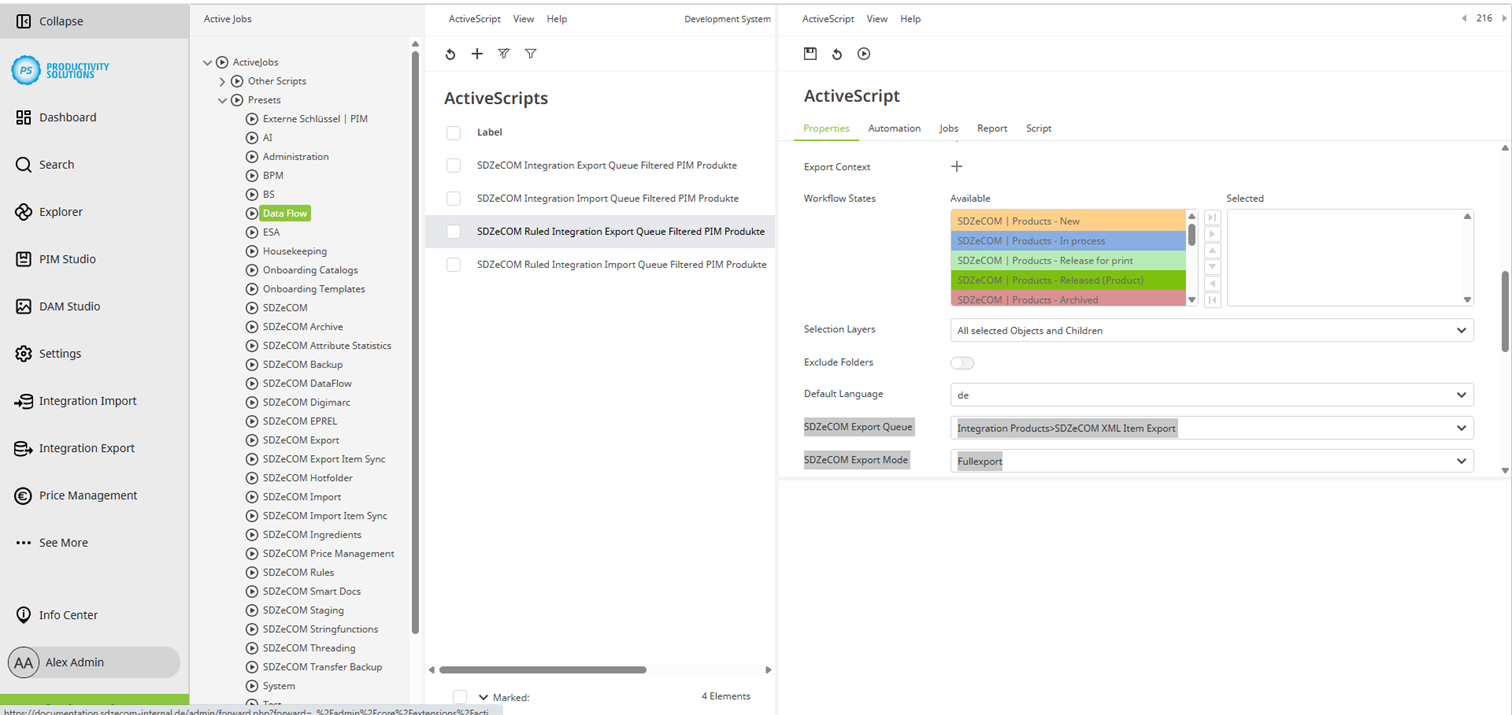
Select the queue on which the action is to be performed. |
|
Mode |
Select a mode:
|
|
Status filter |
Select the status in which the queue objects must be in order to be processed with the action. |
|
Last run |
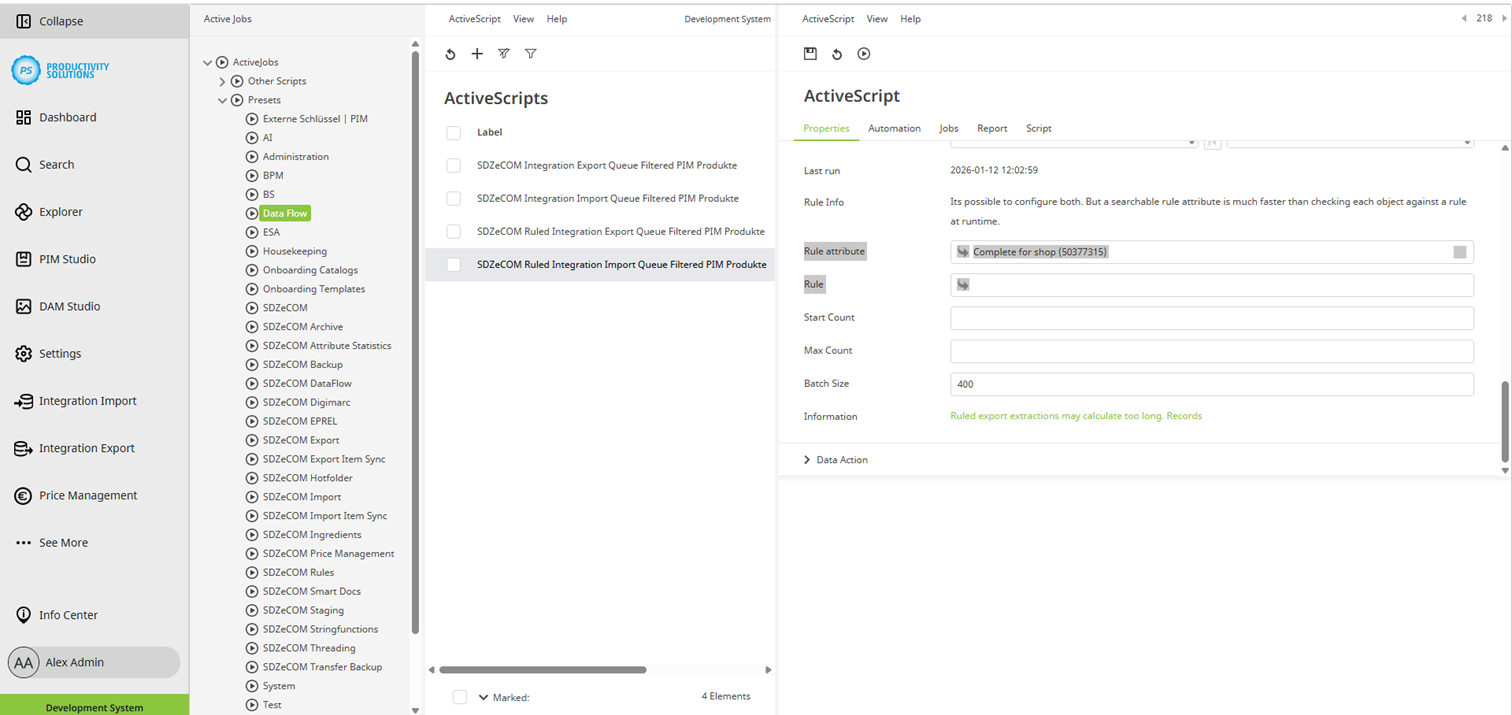
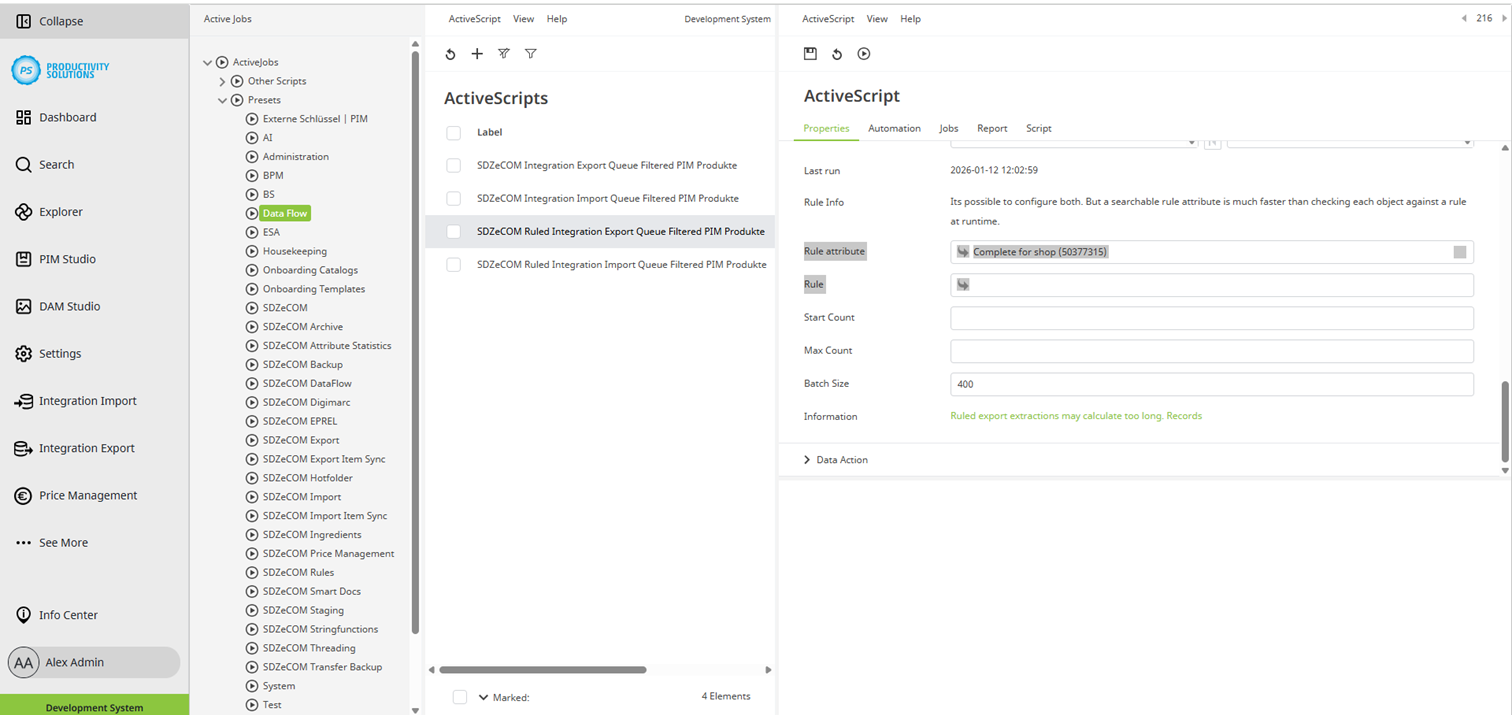
Shows the time of the last run of the action. |
|
Rule attribute |
Select the rule attribute that contains the rule as the default rule that must be fulfilled for the action to be performed. For this option, the SDZeCOM Rules+ must be licensed. |
|
Rule |
Select the rule that must be fulfilled for the action to be performed. However, processing based on a rule attribute is significantly more performant. For this option, the SDZeCOM Rules+ must be licensed. |
Apart from that, proceed as with a conventional Data Flow Action, e.g. for the action itself (Set Workflow State, Transformation etc.) and for automation.
Import Queue Filtered
Import Ruled Queue Filtered
Import Queue Filtered
Import Ruled Queue Filtered