
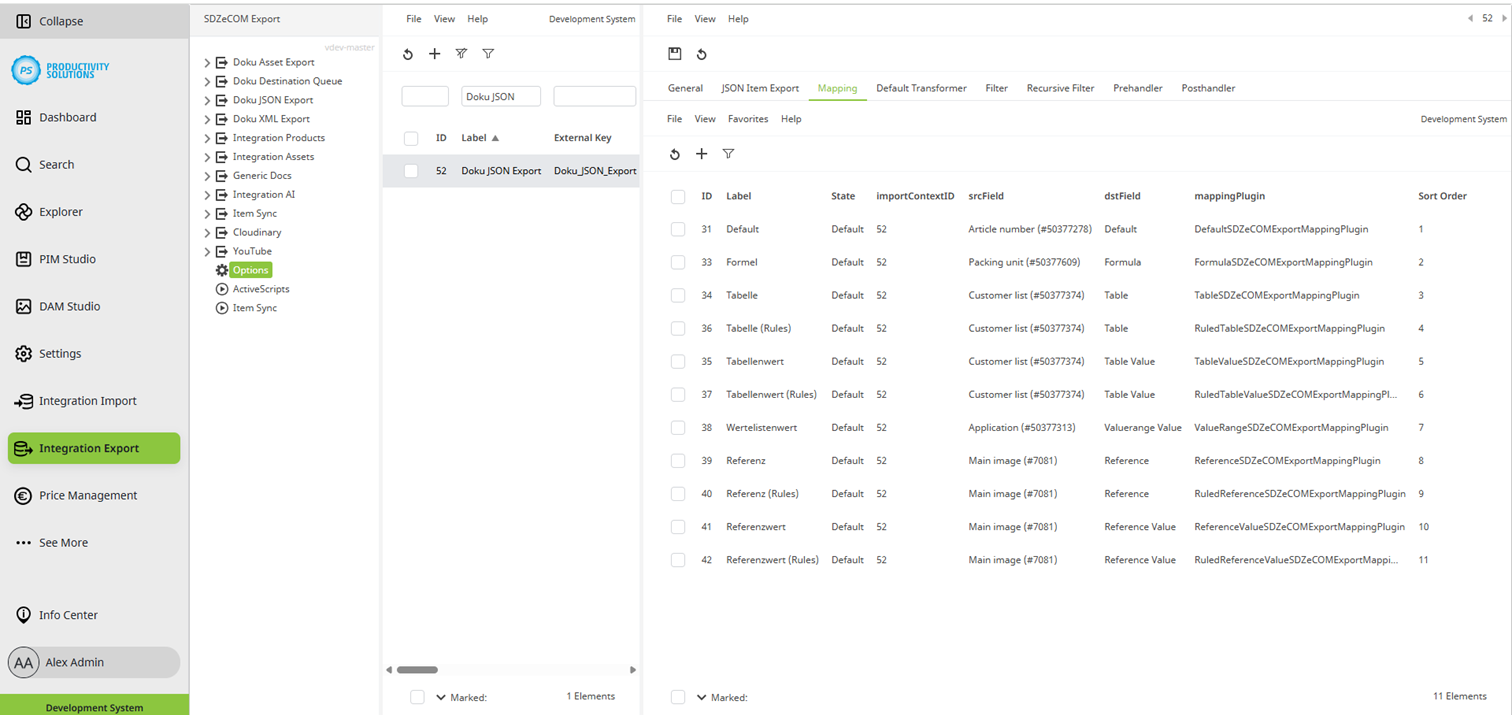
With the help of mapping, you define rules for displaying your attributes in the target file.
Each mapping is a separate object with its own properties. You can search and filter the objects in the list view as usual.
The following fields are included in every mapping. Once you select a plug-in, you will have additional options.
Field
|
Description
|
|
Label |
Name of the mapping |
|
Sort order |
If necessary, specify a sort position for your context. |
|
State |
Define the state of the mapping:
|
|
Select one of the plug-ins for the transformation. Depending on the plug-in, there are additional setting options. |
|
|
Source Field |
Select your source attribute. You can also select multiple attributes and merge them in the target file. |
|
Destination Field |
Enter the name you want the field to have in the target file. |
Available for processor plug-ins