
This script can be used for querying a local directory from which the data to be imported is to be retrieved.
This option can only be used for on-premise instances, as the directory must be located on the corresponding server.
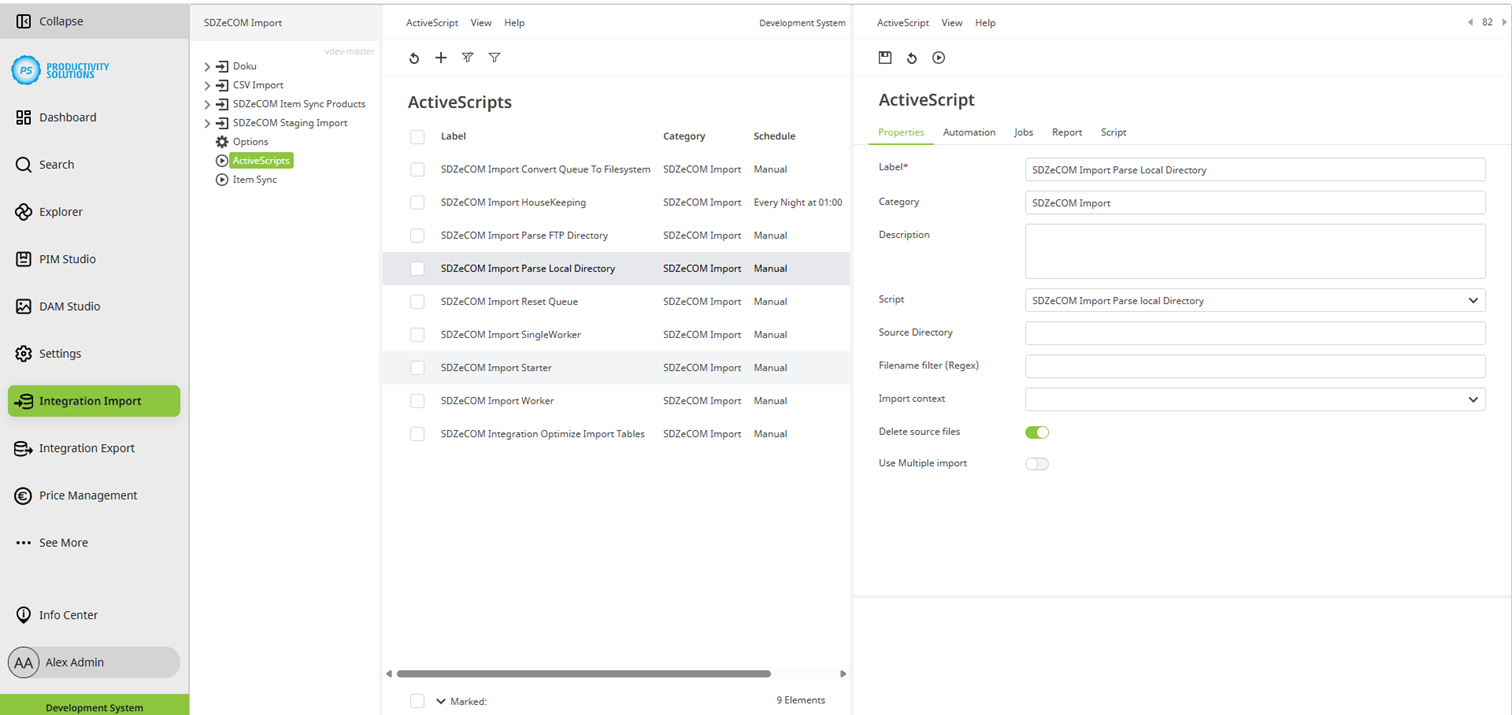
Field
|
Description
|
|
Designation |
Name of the context |
|
Category |
SDZeCOM Import If you append further text to the category name, a separate folder is generated. |
|
Description |
|
|
Script |
SDZeCOM Import Parse Local Directory |
|
Source directory |
Enter the source directory here. |
|
File name filter (Regex) |
Using a regular expression, it is possible to import only certain files that have a file name that matches the RegEx. |
|
Context |
The menu lists all contexts that have been created. Select the context for which you want to query the local directory. |
|
Delete source files |
If this option is activated, files are deleted from the source directory after they have been imported. |
|
Use multiple import |
If this option is activated, files are imported multiple times. |