
Staging | Copy data to PIM only after import DEPRECATED

This option was replaced by Action Queues!
In some cases, it might be necessary/desired to copy data from Staging to PIM only after it has been imported, and not when other changes are made to a Staging object via a check-in operation.
Procedure
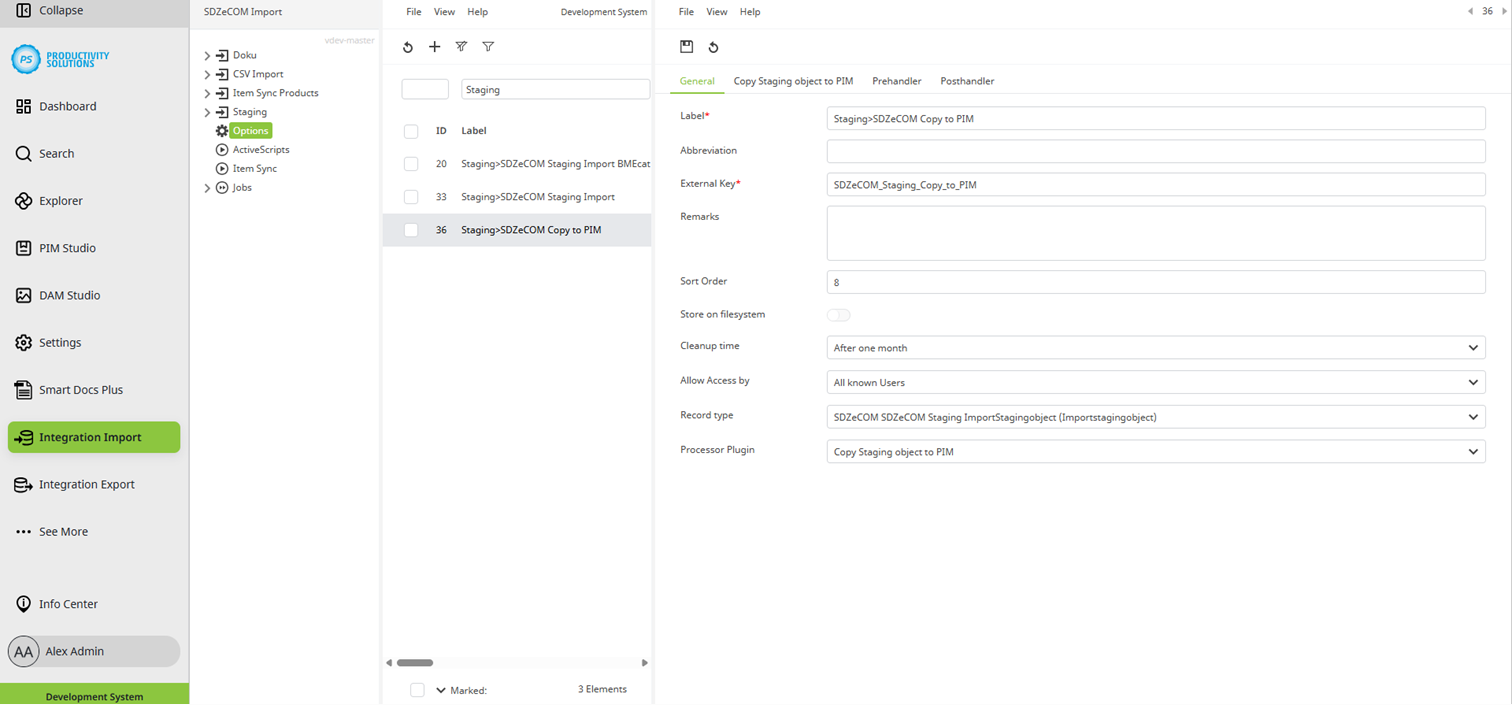
Create a “Copy to PIM” import context that is used exclusively for copying data to PIM.
This corresponds to a standard Staging import context with its own Starter and Worker.
However, select “Copy Staging Object to PIM” as processor plug-in.
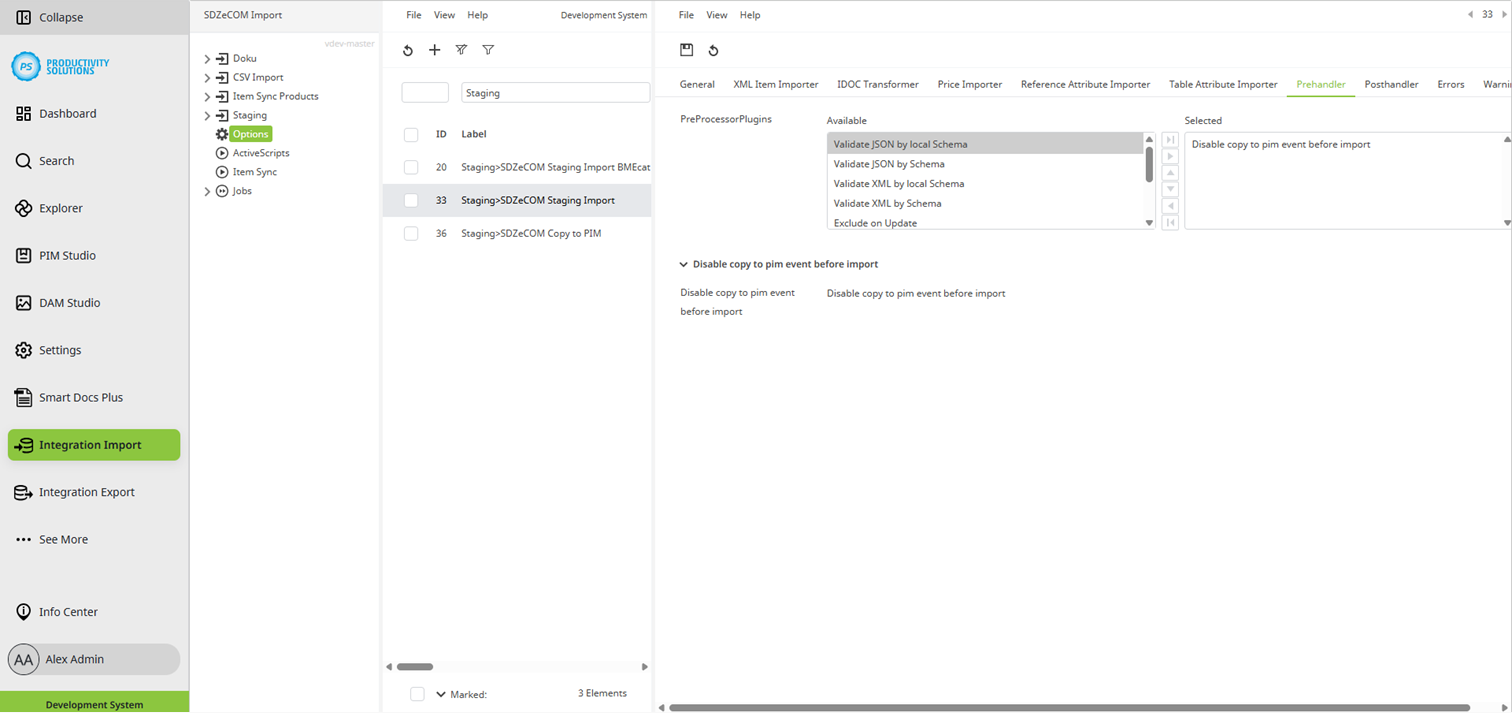
Disable the automatic copy to PIM either globally for all objects in the settings by selecting “Disable copy to PIM,” or in the Staging import context via the prehandler “Disable copy to PIM event before import”.
In the Staging import context, select the Posthandler “Copy to PIM Queue”.
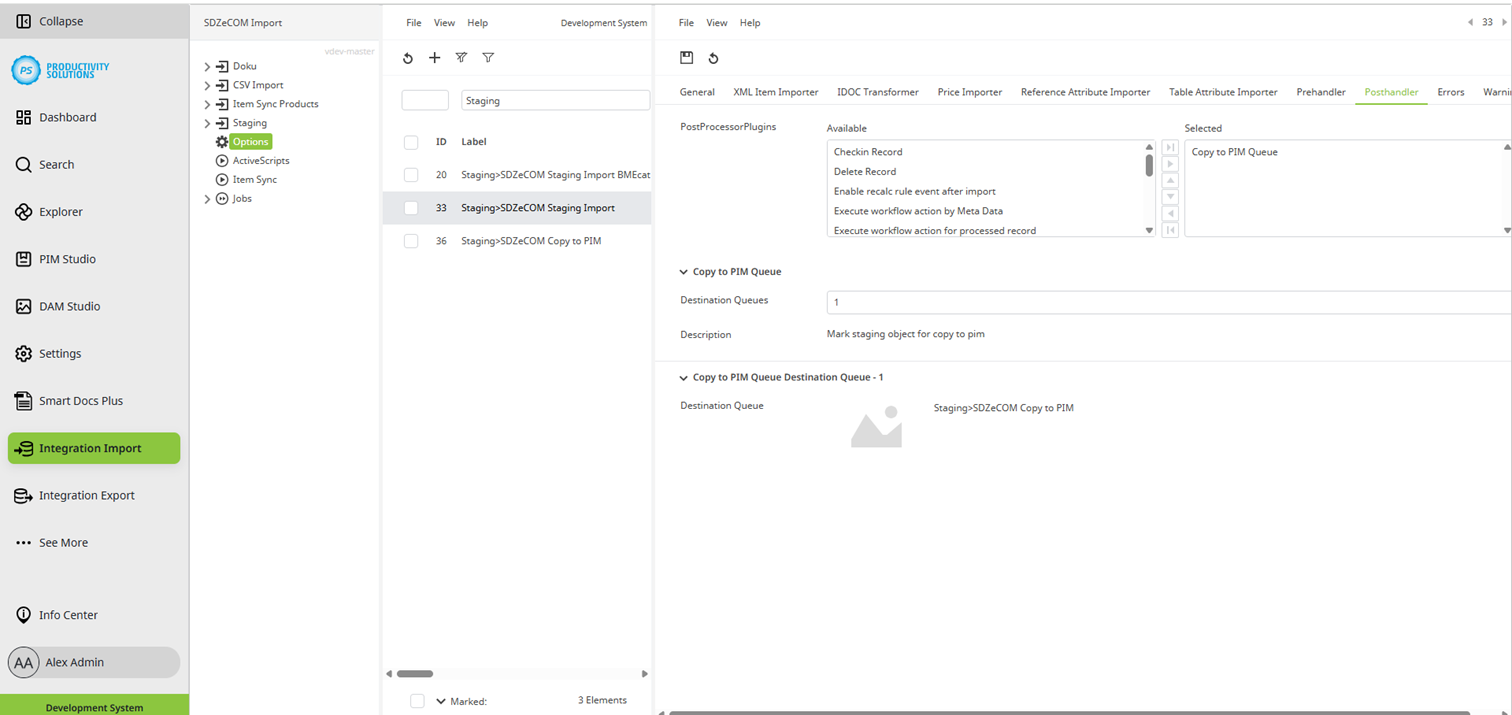
As usual, the data is imported into the Staging object, however, it is not copied automatically, but rather via the “Copy to PIM” import context.