
If you want to delete archived assets, you can use the “Delete SDZeCOM Archive Assets” script.
Field
|
Description
|
|---|---|
|
Label |
Name of the context |
|
Category |
Desired category name (default: SDZeCOM Archive) |
|
Script |
Delete SDZeCOM Archive Assets |
|
Folder |
Select the volume or folder from which you want to archive. |
|
Delete assets that were last modified before: |
Define the date in strtotime format. |
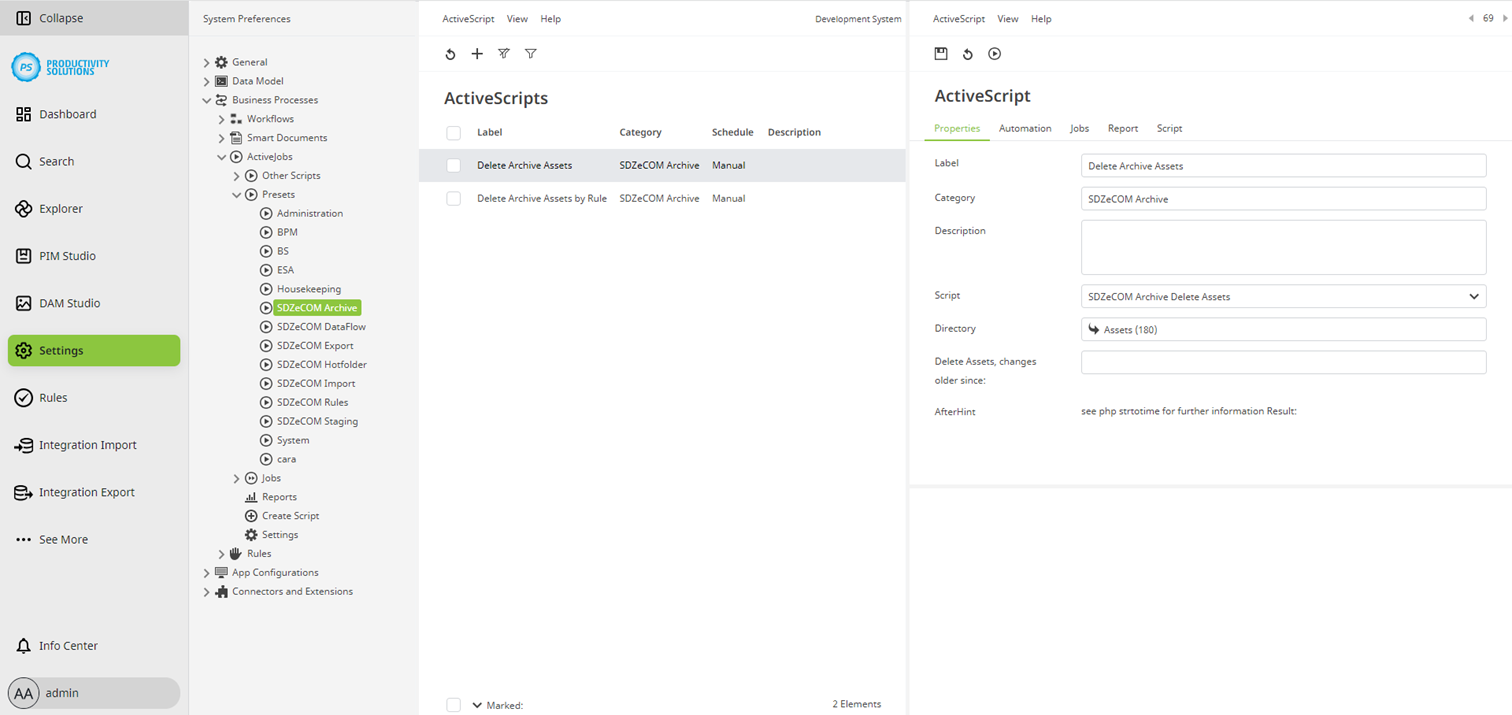
If the SDZeCOM Rules are licensed, there is also the script “Delete SDZeCOM Archive Assets by Rule”. Archived assets are only deleted if a rule is fulfilled.