
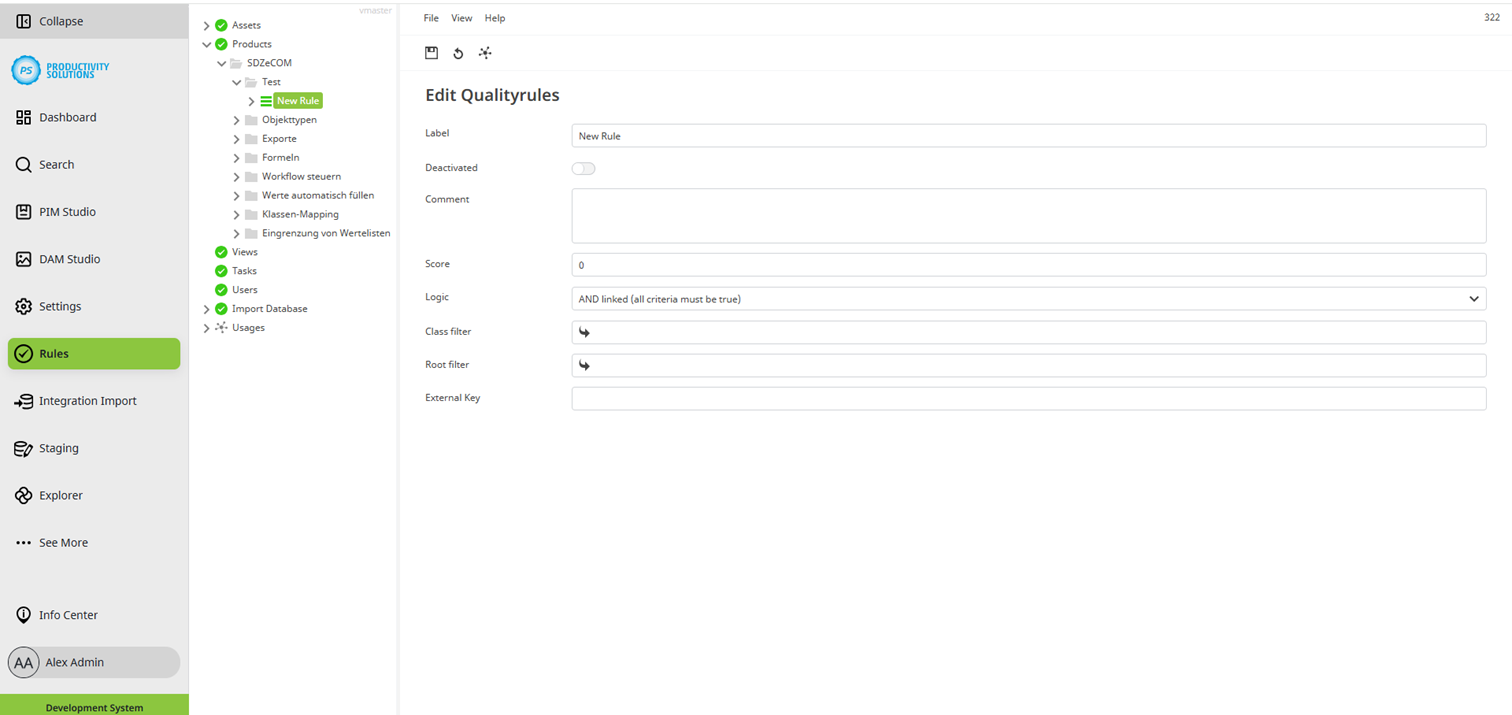
Field
|
Description
|
||||||||||||
|---|---|---|---|---|---|---|---|---|---|---|---|---|---|
|
Label |
Name of the rule |
||||||||||||
|
Deactivated |
Deactivates the rule per checkbox A deactivated rule is indicated by a red rule symbol. 
When a rule is deactivated, the result of the rule is TRUE by default, e.g. in rule attributes. This can be influenced by adding an additional criterion with the operation plug-in “Is False” in first place so that the deactivated rule is displayed as FALSE. |
||||||||||||
|
Comment |
You can enter notes and other information. |
||||||||||||
|
Total degree of fulfilment of the rule The score is weighted later within the criteria. The values of the criteria and the overall rule are always added together! |
|||||||||||||
|
Logic |
Defines the type of fulfilment of the criteria:
|
||||||||||||
|
Class filter |
Filter by classes |
||||||||||||
|
Root filter |
Filter by certain tree roots of the objects |
||||||||||||
|
External key |
|


