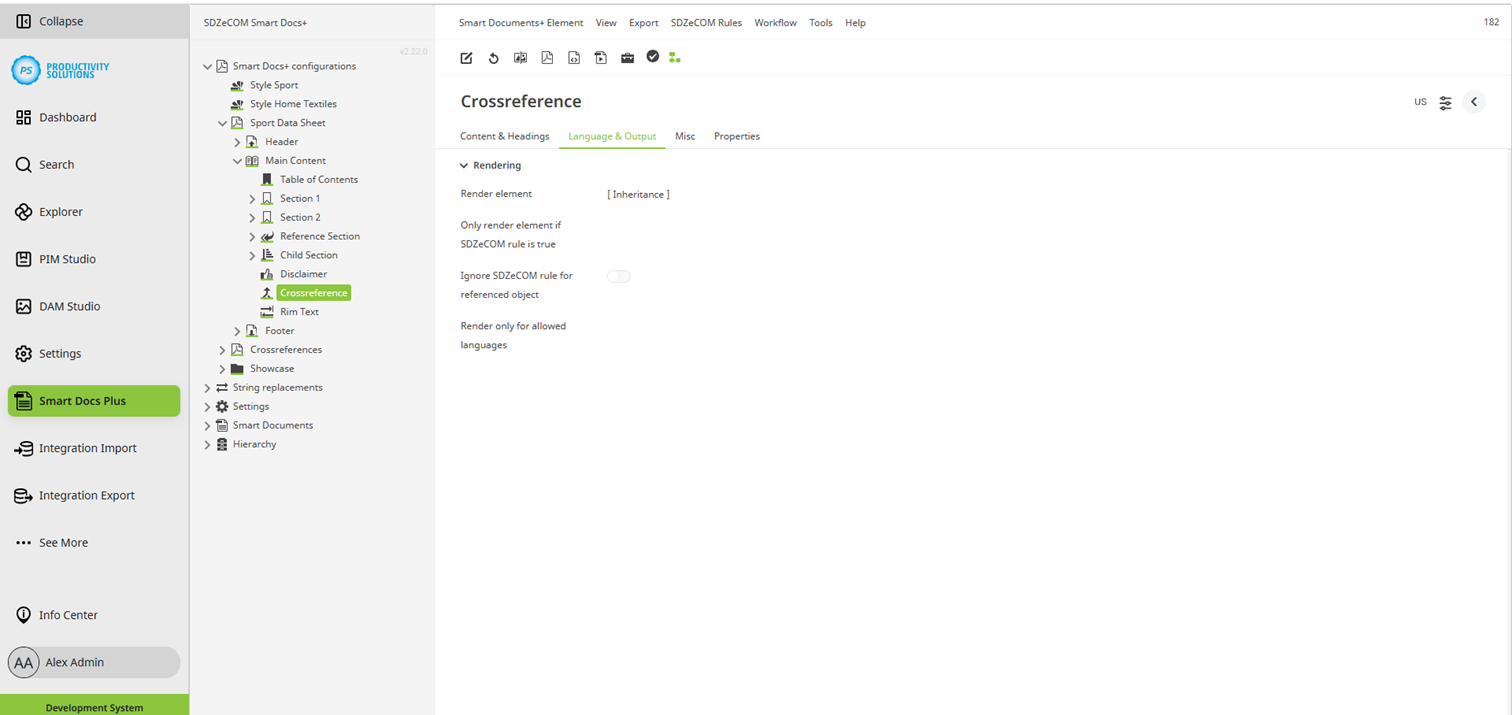
Configurable for the following object types:
Field
|
Description
|
|---|---|
|
Render element |
If you choose “no”, the element will be ignored when rendering the data sheet. Default value: yes A small red cross on the icon of the object in the tree indicates that an element will not be rendered. |
|
Only render element if SDZeCOM rule is true |
If you activate this option, the element is only rendered when the data sheet is created if a rule is fulfilled. For this function, the SDZeCOM Rules+ must be licensed. |
|
Ignore SDZeCOM rule for referenced object |
Activate this option if you render the element when a rule is fulfilled but do not want the selected rule to apply to crossreferences. This feature allows you to achieve special combinations, such as different positions of an element in the hierarchy within a document, depending on the object in which it is used or rendered. For this function, the SDZeCOM Rules+ must be licensed. Only available for: Crossreference |
|
Render only for allowed languages |
If the document may only be rendered in certain languages, select them here. Language inheritance is not resolved. Each language must be selected individually. For multilingual documents, the current data language is used. This setting also affects the tree view. Example: If an element is displayed in German only, but the user is in a different language level, the element is shown as disabled in the tree. |