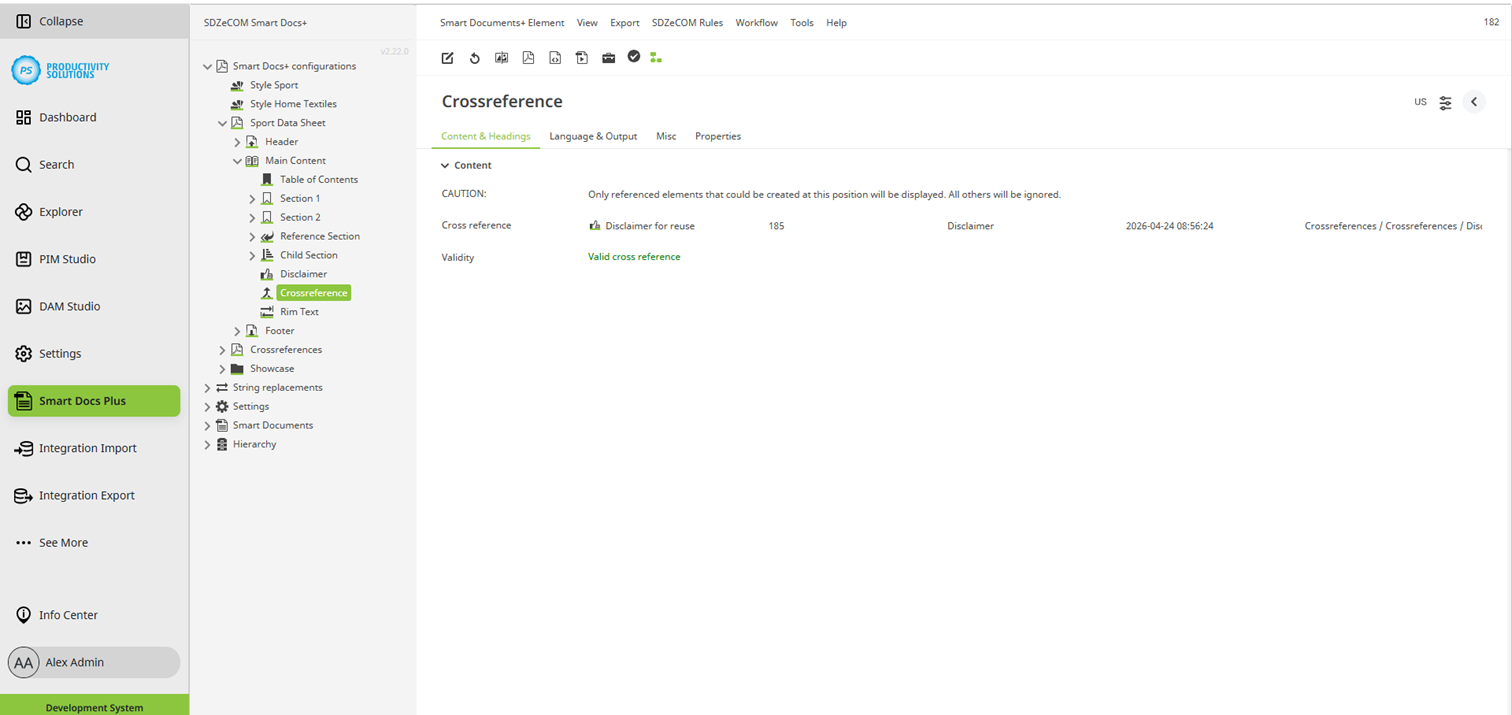
Create an object of the “Crossreference” type directly below an object of the type “Data sheet”, “Header section”, “Main content”, “Section”, “Footer section”, “Reference section”, or “Child section”.
Using a cross-reference, you can reference virtually any object - even entire sections.
This allows the same element to be reused in a different place. Instead of the crossreference, the document uses the content and settings of the referenced object. The style of the current context is used.
Referenced elements that must not be used where the crossreference is placed are ignored.
Use case: You have configured different data sheets, but the same disclaimer ist to be used in all of them. Changes to the content of the disclaimer must always apply to all data sheets.
Configuration options