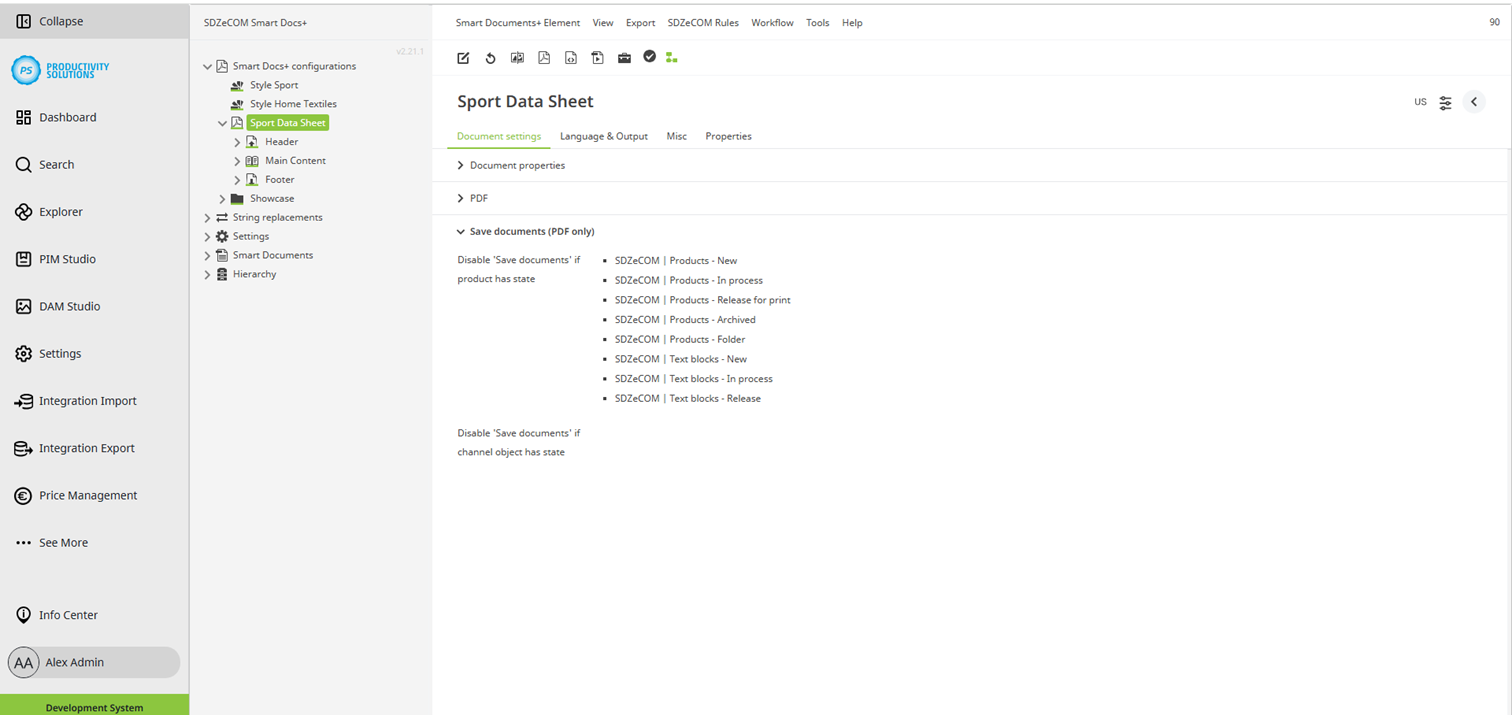
Configurable for the following object types:
Field
|
Description
|
|---|---|
|
Disable 'Save documents' if product has state |
Available if the documents are generated from the PIM product tree. Select the states where it must not be possible to save a data sheet. Usually, only states that imply a released object (e.g. release for sale) remain on the left-hand side, while archiving and editing states are selected. |
|
Disable 'Save documents' if channel object has state |
Available if the documents are generated from a channel. Select the states where it must not be possible to save a data sheet. Usually, only states that imply a released object (e.g. release for sale) remain on the left-hand side, while archiving and editing states are selected. |