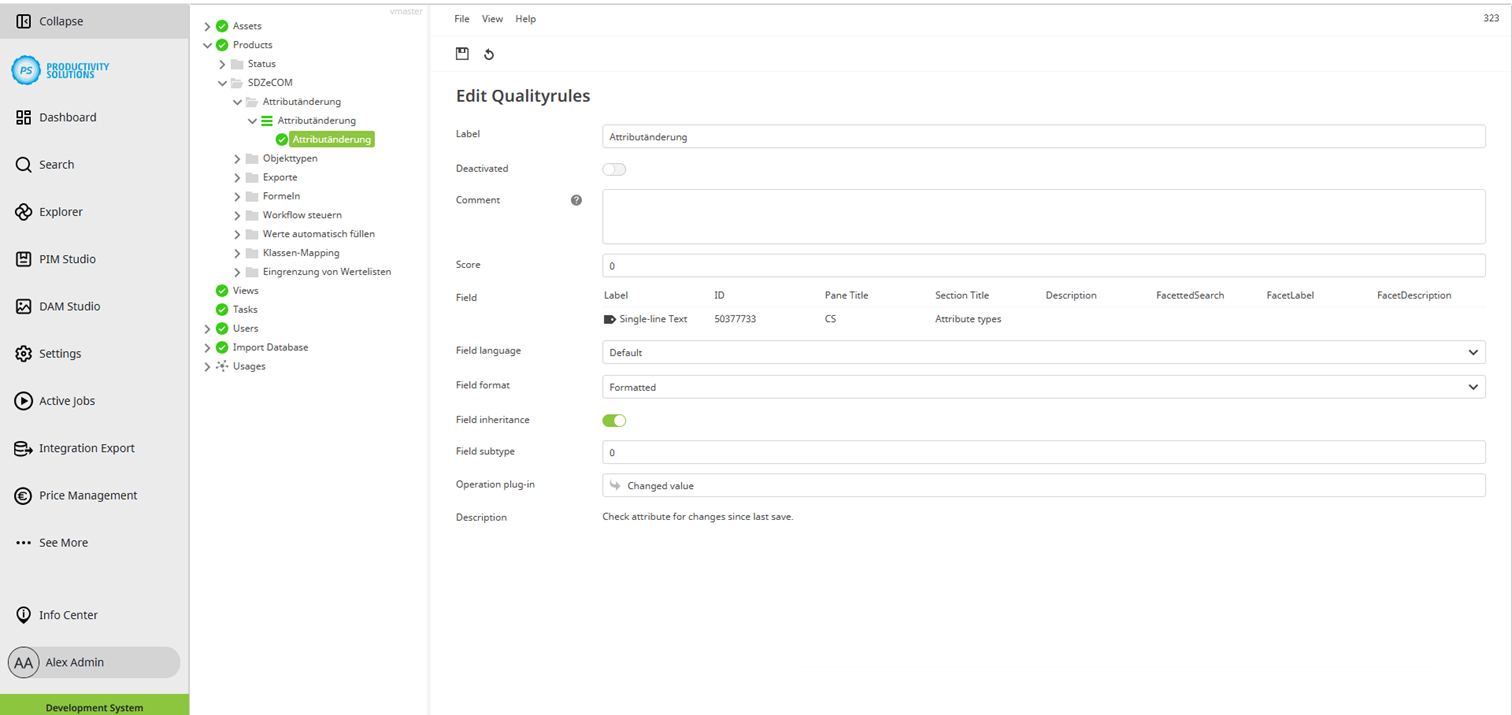
Rules+ can be used for querying whether the value of one or more attributes has changed since the last check-in.
To do this, create a rule with any number of criteria as usual. Use the “Changed value” operation plug-in.
If the value has changed, the rule returns TRUE, e.g., in a simple rule attribute. If the value has not changed, the rule returns FALSE.
The operation plug-in does NOT work for the following attribute types:
-
Formula
-
Placeholder
-
Table and associated column attributes
-
Flex table
-
Smart preset
-
Code
In the case of formulas, for example, this is due to the fact that the values are changed dynamically and, in this case, the rule naturally always returns TRUE.