Configurable for the following object types:
Field
|
Description
|
|---|---|
|
Attributes |
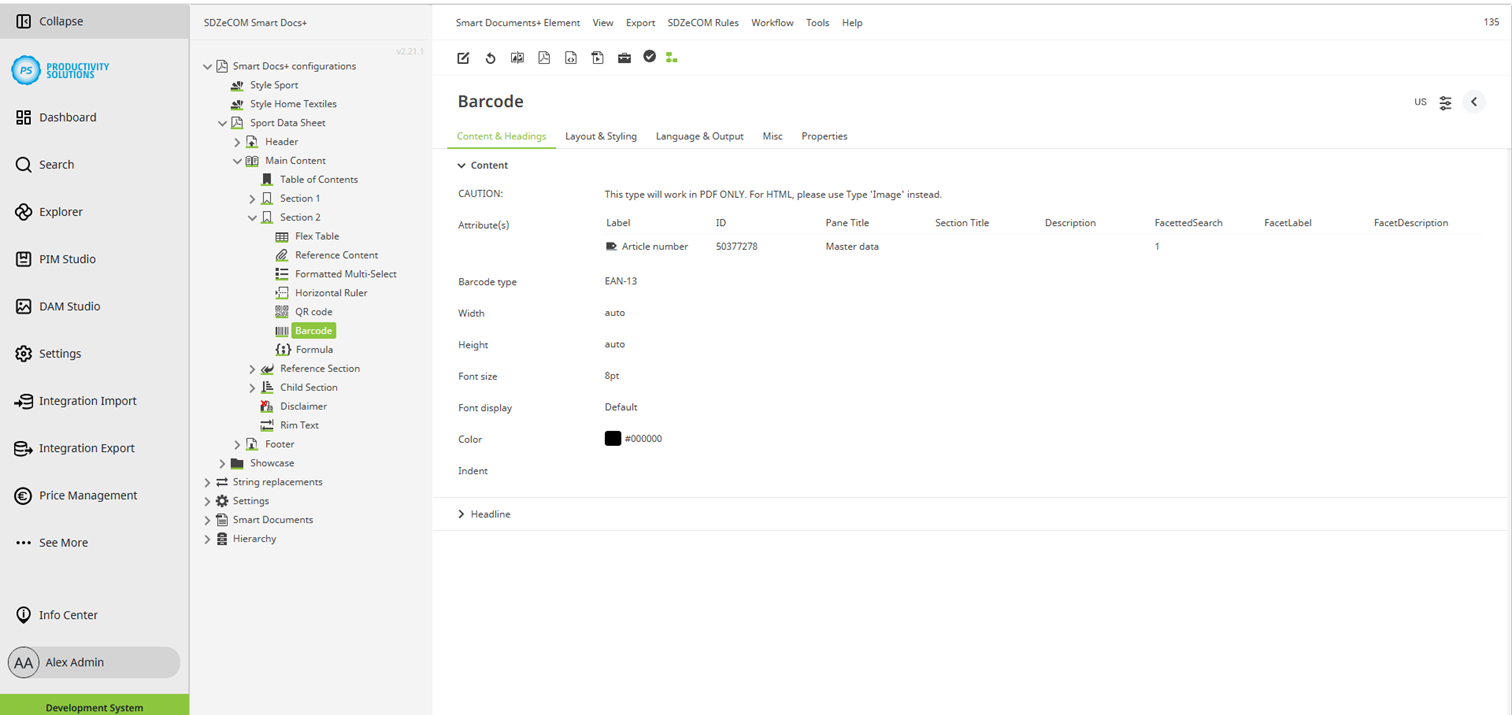
Select the attributes that contain the information for the barcode. |
|
Barcode type |
Select the barcode type:
|
|
Width |
As soon as you make a setting, the barcode is scaled to the desired width. |
|
Height |
Define the height of the lines. The recommended unit is percent. Enter “auto” to set the height automatically depending on the width. |
|
Font size |
If required, define the font size in pt. |
|
Font display |
If required, select the font display format:
|
|
Color |
Use the color configurator to select the color for your barcode. |