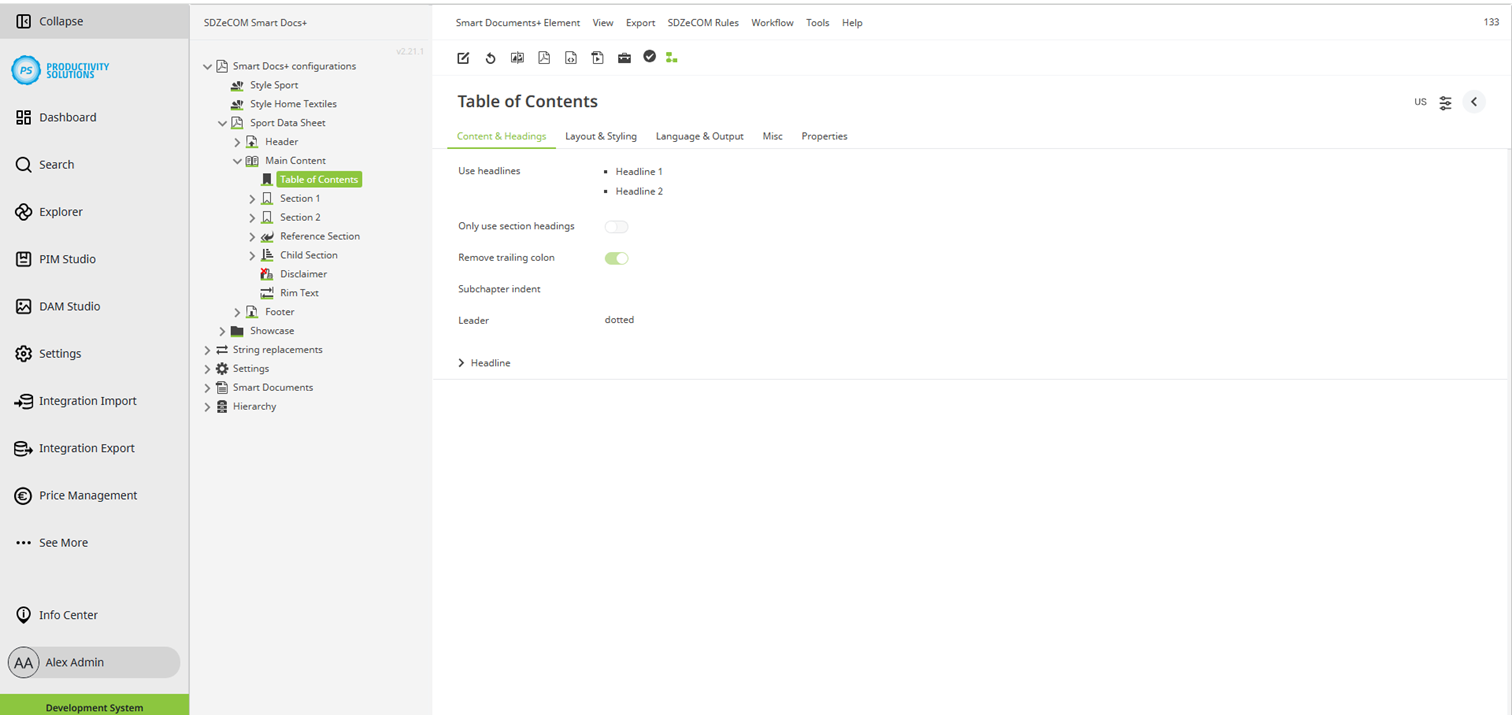
Configurable for the following object types:
Field
|
Description
|
|---|---|
|
Use headlines |
Select the headline levels to be included in the table of contents. |
|
Only use section headings |
Activate this option to use section headlines only. |
|
Remove trailing colon |
Activate this option to remove a colon at the end of the headline if there is one. |
|
Subchapter indent |
Define an indent for the sub-chapters if required. |
|
Leader |
Define the fill characters between headline and page number:
|