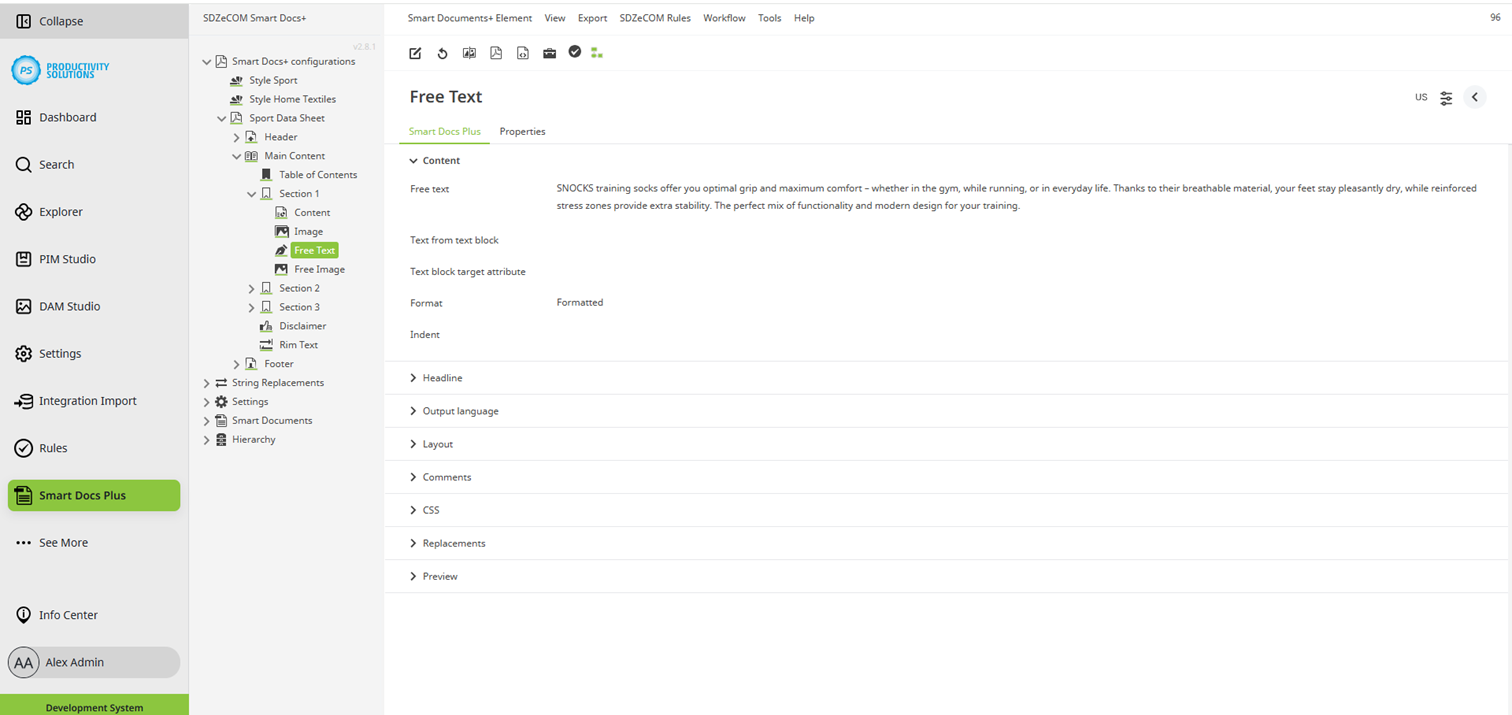
Configurable for the following object types:
Field
|
Description
|
|---|---|
|
Free text |
Enter any text. Formatting is possible. Formulas / stringfunctions can be interpreted. |
|
Text from text block |
Select the desired text block from the PIM Studio. |
|
Text block target attribute |
Select the attribute from the PIM Studio in which the text block is referenced. |
|
Format |
Select how you want the text to be formatted. When using headline 1 – 6, the formatting corresponds to the configuration of the corresponding headline level in the style used. Also possible:
|